
YAVACADO turned our technical equipment catalog into a clear, professional website that our team can manage. The CMS and CRM integration make it easier to present products, process enquiries, and support clinics from the first contact.
4
min to read
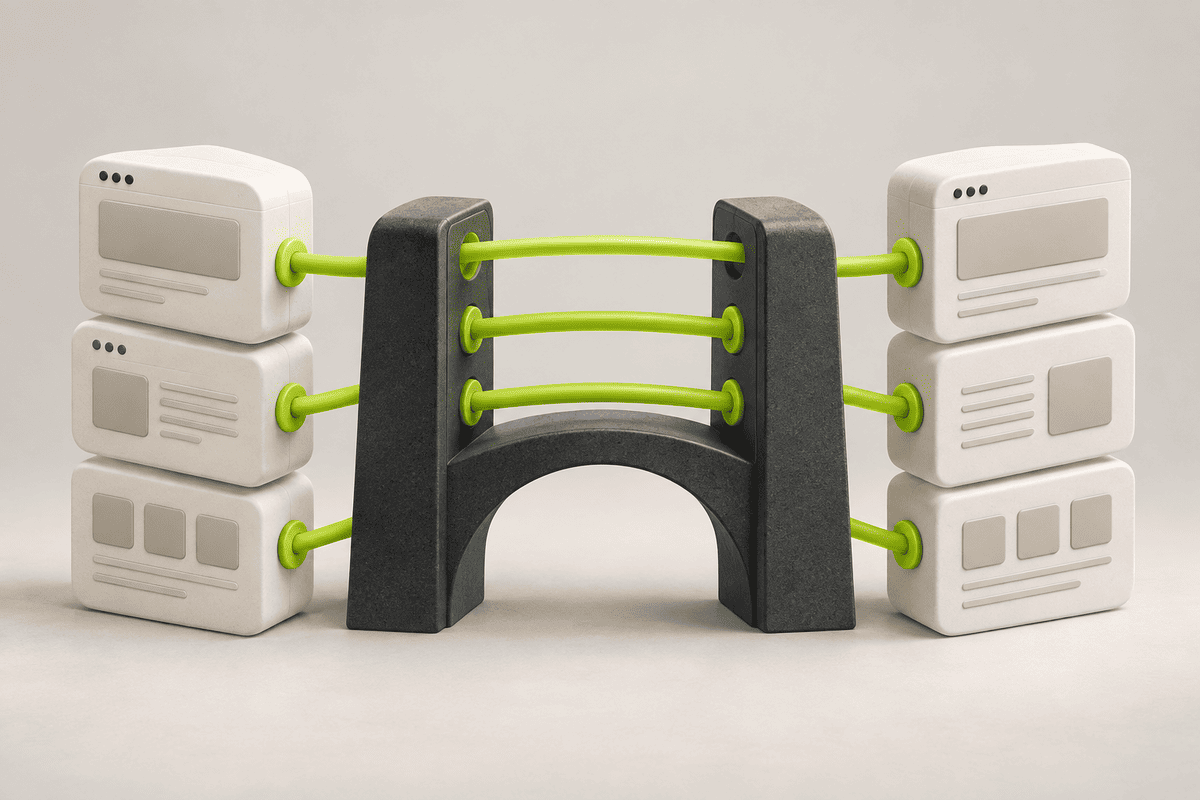
WordPress to Webflow Migration: Build the URL Map Before Launch
Web development
Educational
Explore all
December 29, 2025
Prepare a migration with a content inventory, explicit URL destinations, redirect checks and a clear plan for monitoring the new site.
In this article
Reviewed 12 September 2026.
The most important migration document may be a simple list of old URLs and their intended destinations. Without it, pages disappear into the redesign and important decisions are discovered after launch. Build the map while the old site is still available.
Inventory more than the main menu
Collect existing URLs from the CMS, sitemap and available traffic or search data. Include articles, service pages, landing pages and useful downloadable files. A page can attract visitors without appearing in the header.
For each URL, record its current purpose and intended treatment: keep, rewrite, merge or remove. Identify the content owner and any dependencies. Pay particular attention to pages used in campaigns, email sequences or client documents. Their links may continue to receive visitors long after the new navigation is live.
Choose a destination deliberately
Retain useful URL paths when there is no reason to change them. When a page moves, map it to the most relevant replacement. Avoid sending every removed page to the homepage. A visitor looking for a specific guide should not arrive at a generic introduction.
Google’s site-move guidance recommends preparing URL mappings and permanent redirects for moved content, updating internal links and monitoring the transition. Search visibility can fluctuate while changes are processed. Treat preservation as work to verify, rather than a result that the platform choice guarantees.
A migration map for illustrative URLsOld pathDecisionDestination or action/services/site-buildKeep the same purposeRetain the path when practical/old-migration-guideReplace with a fuller guideRedirect to the relevant replacement/two-overlapping-articlesMerge after content reviewMap each old page to the combined guide/expired-offerRemove with no equivalentChoose an appropriate removal response
Test the content migration separately from redirects
Import a representative sample before transferring everything. Include an article with images, a table, special characters and category references. Check that headings, links and field relationships survive. Resolve import problems in the sample rather than repairing every record later.
Then test the URL map against the built site. A redirect can work technically while landing on the wrong content. Review the page title and purpose at the destination. Check internal links too: they should point directly to the intended page instead of relying unnecessarily on redirects.
Give launch a monitoring owner
Before the switch, record important pages and their expected behaviour. After launch, test those URLs, forms and key navigation routes. Monitor missing-page reports and search indexing information. Keep a list of issues with an owner and resolution date.
Define how the team will handle a missing page discovered later. Preserve the inventory and redirect map as maintenance records. They make future changes easier and help distinguish an intentional removal from a migration mistake. A launch is a transition to a working site, not the end of responsibility for the old URLs.
Every important old URL should have an intentional outcome.
A related YAVACADO project
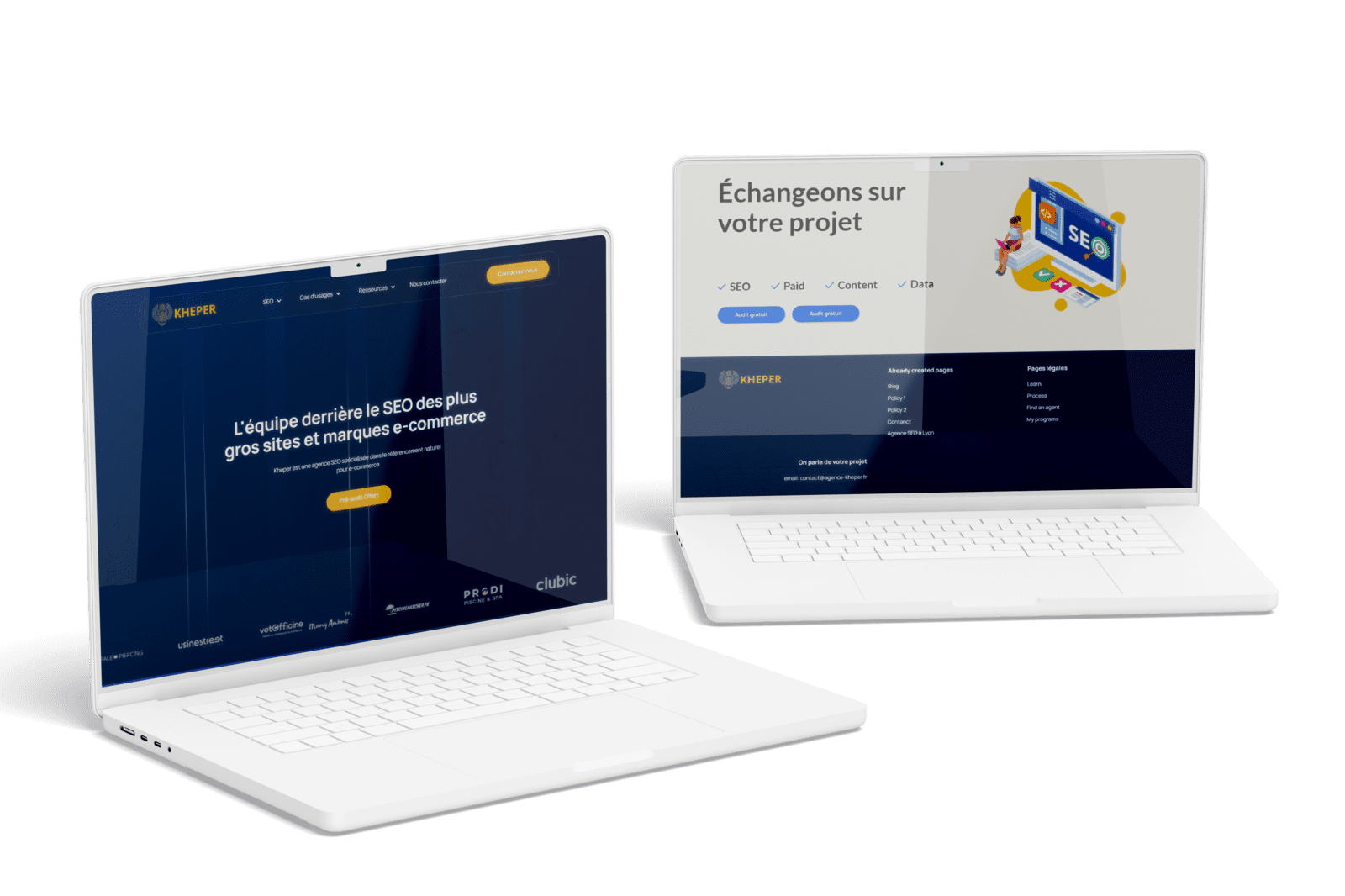
For Agence Kheper, YAVACADO migrated a WordPress website to Webflow, preserved the URL structure and on-page SEO, and configured CMS collections. The scope also included a redesigned homepage and a Google Reviews integration.
Check your own website
Your review checklistInventory URLs beyond the menuAssign a destination to each moved pageTest a rich-content import sampleName the post-launch monitoring ownerUse these checks as you review. Selections are not saved.
Put it into practice
Three old service pages become one new overview. Should all three redirect there?
Show the suggested approach
Only if the overview meaningfully covers their previous purpose. Review each old page’s content and visitor intent. A dedicated replacement may be necessary for a distinct service that the overview only mentions briefly.
Continue reading
Webflow vs WordPress: Compare the Workflow Before Choosing the Platform
References
Discuss your website
Bring your current website and the task you want to improve. YAVACADO can help define the content, design and implementation work needed for the next step.
FAQs
Will migration preserve our rankings automatically?
Can we redesign and migrate together?
Should we delete old articles before importing?
Webflow CMS Reference Fields: Model Relationships Before Importing Content
1/5/26
4
min to read
SEO Basics: Turn Customer Questions into Useful Website Pages
10/2/23
4
min to read
Website Animation: Add Motion with a Clear Purpose
2/16/26
4
min to read
How to Improve a Low-Traffic Website Without Guessing at A/B Tests
1/26/26
4
min to read
Relevant project
WordPress to Webflow Migration for an SEO Agency
Tech
WordPress to Webflow migration + website design. L'équipe derrière le SEO des plus gros sites et marques e-commerce. Kheper est une agence SEO spécialisée dans le référencement naturel pour e-commerce.
Agence Kheper


LET’S WORK TOGETHER
LET’S WORK TOGETHER
LET’S WORK TOGETHER
LET’S WORK TOGETHER
LET’S WORK TOGETHER
LET’S WORK TOGETHER
LET’S WORK TOGETHER
LET’S WORK TOGETHER
Testimonials
What our clients say
A web design agency that cares about you and your brand, no matter the size or what industry your business is in.

YAVACADO turned a complex booking process into one clear platform. Our team can manage tours and content in Webflow, while parents can book and pay securely through WayForPay. The result is easy to operate and built around the needs of the Ukrainian market.

The website captures the premium feel of our brand perfectly. From the design to the multilingual functionality and payment integration, every detail was delivered to a very high standard.

Excellent implementation of our Figma design in Webflow. The final website feels fast, polished, and exactly aligned with the premium fintech experience we wanted.
.png)
The funnel feels significantly more polished than the original concepts and was delivered in a format our internal team could immediately continue working with. Smooth process and excellent execution.

Working with YAVACADO was a fantastic experience. They understood both the technical requirements and the business goals, delivering a fast, polished website that's easy to manage and built to generate qualified leads.

Impressive speed and quality. The landing page was delivered in just hours and looks clean, professional, and ready to use.

The turnaround was incredibly fast, and the result looks clean and professional. The site reflects our firm perfectly and was delivered exactly on time.

The YAVACADO team helped us present FromLab2Jab’s complex services in a clear and professional way. The structure, CMS, and filtering system make it easy for our team to manage and scale the content.

The final website matched the Figma design with impressive accuracy. The animations, sticky sections, and overall Webflow execution made the project feel polished and high-end.
%2520(1).png)
YAVACADO delivered a powerful, scalable platform that fully supports our operations. The CMS structure, CRM integrations, and automation tools significantly improved how we manage inquiries and camp programs.

The phased design and development approach made everything clear and efficient. The team delivered a professional SaaS website on time, and the training support helped us manage content confidently

The platform works exactly as we envisioned — secure, structured, and scalable. Subscription management and report access are fully automated, and everything runs smoothly.

The Webflow build perfectly matches the AI design and feels even better in motion. Everything from CMS to animations works smoothly—great work!


The redesign gave our website a completely new look. The layouts feel modern, the services are presented much clearer, and the site works perfectly on mobile.

The redesign elevated our corporate presence and made content much easier to manage. The Feensweet filtering and CRM integration streamlined our user experience and lead flow — great implementation!

%25201.png)
