


Webflow vs WordPress: Compare the Workflow Before Choosing the Platform

Updated 12 September 2026.
In this guide
- Compare complete proposed setups, including plugins and external tools.
- Ask the future editor to test the publishing workflow.
- Preserve valuable URLs and content during a migration.
Compare the work after launch
The useful question is not which platform has more features. It is which proposed setup lets your team publish, maintain and improve the website with an acceptable level of effort.
Write down recurring tasks: add a case study, publish an article, change a reusable call to action and connect a lead form. Ask both implementation teams to demonstrate those tasks. Compare the whole experience, including permissions, review steps and support requirements, rather than a platform in isolation.
Consider the design and content model together
A highly customised marketing website needs a repeatable way to maintain its visual structure. In either platform, agree which patterns are shared and which content editors can change. A page builder with unrestricted layout controls can still produce inconsistent pages.
Use three representative content items to assess the template. Include a long title, a missing optional image and a more complex example. The platform choice should support your real content rather than a demonstration page with perfectly balanced text.
A fair platform comparison briefAreaAsk for both proposalsCheck the evidencePublishingA demonstration with your contentCan the intended editor complete it?DesignA reusable layout strategyDoes a global change stay consistent?IntegrationsA dependency inventoryIs each required workflow accounted for?MigrationA URL and content mapping planAre valuable destinations preserved?OwnershipA cost and responsibility breakdownWho maintains each part?
Map the existing dependencies
Inventory forms, search, multilingual content, CRM connections, checkout, member areas and redirects. A WordPress plugin may perform a business function that is not visible in a design screenshot. Identify its data and behaviour before choosing a replacement.
For each dependency, specify whether it stays, moves or is retired. Assign one source of truth for customer and product data. Prototype unusual requirements early, particularly if they involve access control, payment or a specialised editorial workflow.
Practical takeaway: Choose between working systems, not between platform slogans.
Treat migration as a separate workstream
Export the existing URL list, identify valuable pages and map each old destination to the new equivalent. Preserve working URLs where practical. When a URL changes, create a deliberate redirect instead of sending every old page to the homepage.
Webflow supports importing CMS content from a CSV, but moving the content is only one part of a migration. Review media, internal links, metadata, forms and template behaviour too. The official migration guide explains the content-transfer starting point.
Make ownership visible in the proposal
Compare hosting, paid tools, backups, updates and support as part of the operating cost. Specify which accounts belong to the business and which changes require a specialist. Neither a plugin stack nor a visual CMS maintains itself.
Finish with an acceptance exercise: the intended editor publishes a representative item and the team follows a lead from submission to its final destination. A good choice gives you a dependable workflow and clear responsibilities. It does not depend on declaring one platform universally better.
A related YAVACADO project
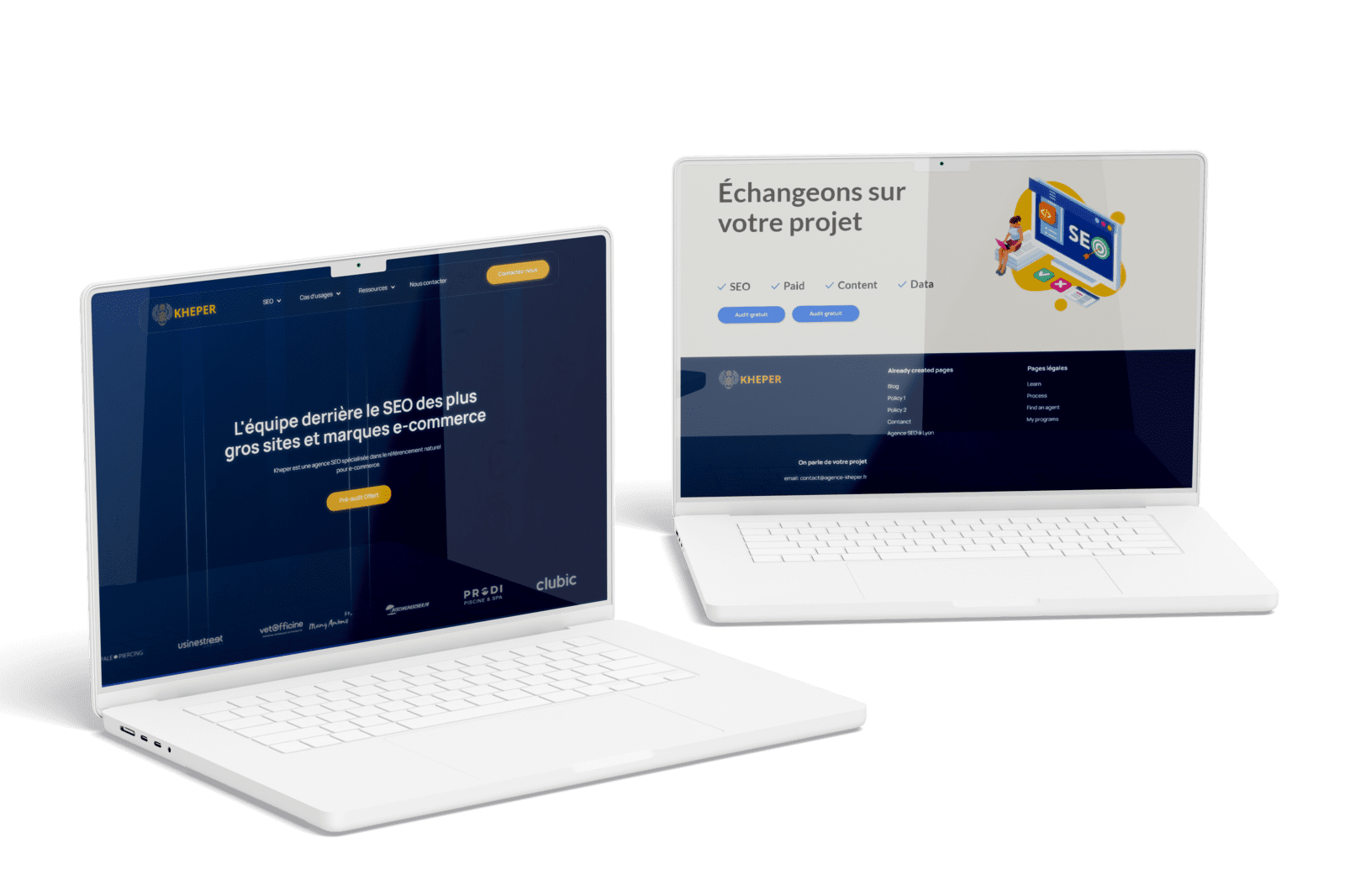
Agence Kheper needed to move from WordPress without losing its established URL structure and on-page SEO setup. YAVACADO rebuilt the design in Webflow, configured CMS collections and added a reviews integration. The case illustrates migration planning; it does not guarantee that another site will preserve its rankings.
Your next check
Mark each item as you check it. Ticks last for this page visit.
Inventory every business-critical plugin or integration.Test publishing with a real editor.Map the existing URLs.Confirm account ownership and ongoing costs.
Put it into practice
Find a hidden requirement
Ask the person who maintains the current website what breaks most often and which “small” plugin the business depends on. Include that behaviour in the new specification.
Continue with a related guide
- Why Use Webflow? Benefits, Trade-offs and a Practical Fit Check
- Webflow SEO Checklist: Audit the Template, Content and Enquiry Journey
Official references
Discuss your website
Plan your migration around content, URLs and the workflows your team relies on.
FAQs
Is Webflow always better than WordPress?
Will moving platforms improve rankings?
Can we keep the same design during migration?
Webflow MCP: Choose Your First AI Agent Task for the CMS
Local SEO: Build a Website That Turns Nearby Searches into Enquiries
Content for AI Search: Make Your Answers Clear and Verifiable
How to Improve a Low-Traffic Website Without Guessing at A/B Tests
Relevant project
Our services
Kameleo: WordPress to Webflow Migration
Location
Budapest, HU
Company
Kameleo
Release date
March 20, 2024
Testimonials
What our clients say


We hired YAVACADO to design our company's website, and the entire process went exceptionally well. They worked at a record pace and delivered outstanding results.


You did a great job! We have acquired a stable and reliable partner to manage our website.

Very helpful in getting our website up to spec, very patient in helping us with compromises etc. Would recommend to anyone!

YAVACADO turned a complex booking process into one clear platform. Our team can manage tours and content in Webflow, while parents can book and pay securely through WayForPay. The result is easy to operate and built around the needs of the Ukrainian market.

Working with the YAVACADO web development team was an exceptional experience. Their ability to deliver a fully functional, SEO-optimized real estate website exceeded our expectations.

YAVACADO turned our technical equipment catalog into a clear, professional website that our team can manage. The CMS and CRM integration make it easier to present products, process enquiries, and support clinics from the first contact.


Working with YAVACADO was a fantastic experience. They understood both the technical requirements and the business goals, delivering a fast, polished website that's easy to manage and built to generate qualified leads.

Excellent implementation of our Figma design in Webflow. The final website feels fast, polished, and exactly aligned with the premium fintech experience we wanted.

The final website matched the Figma design with impressive accuracy. The animations, sticky sections, and overall Webflow execution made the project feel polished and high-end.

The website captures the premium feel of our brand perfectly. From the design to the multilingual functionality and payment integration, every detail was delivered to a very high standard.