
YAVACADO turned our technical equipment catalog into a clear, professional website that our team can manage. The CMS and CRM integration make it easier to present products, process enquiries, and support clinics from the first contact.
4
min to read
Why Use Webflow? Benefits, Trade-offs and a Practical Fit Check
About tools
Web development
Explore all
December 12, 2023
Understand where Webflow helps a marketing website, what still needs implementation work and when another platform deserves a closer look.
In this article
Updated 12 September 2026.
In this guide
- Evaluate the work your team needs to do after launch.
- Separate the marketing website from complex application or commerce requirements.
- Prototype a difficult content and integration task before committing.
Start with the operating problem
Webflow is worth considering when a team needs a custom marketing website and a practical way to maintain it. The business case usually starts with a bottleneck: publishing requires a developer, landing pages are inconsistent or the current site is awkward to extend.
Write that bottleneck down as a task. For example: “Our marketing manager must be able to publish a service page with an approved layout and a working enquiry form.” This is easier to evaluate than a broad promise of speed or flexibility.
Understand what visual development changes
A visual interface makes layout and styling easier to inspect while building. It does not remove the need to understand responsive behaviour, accessible interaction and content structure. Someone still has to choose sensible headings, organise classes and test the website.
For a custom brand, the advantage is the ability to develop the design and its reusable structure together. Agree which elements editors can change and which belong to the design system. Giving every person unrestricted control is not the same as giving them useful autonomy.
Questions to answer before choosing WebflowRequirementEvidence to requestDecision signalCustom marketing designA responsive section prototypeMatches the brand without fragile workaroundsEditorial independenceAn editor publishes a sample itemThe common task is manageableIntegrationsA working end-to-end testData reaches the correct destinationComplex application logicA separate technical specificationResponsibilities and dependencies are clearOngoing ownershipAccount and handover planThe team can maintain the site
Plan CMS content around real publishing tasks
A service page, a team profile and a case study have different information needs. Model the fields around those needs rather than putting all content into a single long text field.
Test with real examples: a long company name, a case study with no testimonial and a project with several images. The template should handle missing optional content cleanly. Ask an intended editor to create a new item before treating the CMS setup as complete.
Practical takeaway: Choose the platform that makes your recurring website tasks easier to own.
Draw a boundary around integrations
List what happens outside the website: CRM qualification, booking availability, payments, inventory or account access. Decide which system owns each piece of information and how the website obtains it.
A marketing page linked to a booking tool is a different project from a booking application with complex availability rules. Validate the difficult part in a small prototype. Check the account permissions, costs and failure behaviour of each dependency instead of assuming a visual builder includes it.
Include ownership and ongoing cost in the decision
Budget for design, development, content migration, hosting, additional services and maintenance. Check current plan requirements against your actual content and traffic needs. Avoid choosing a platform on an introductory price that excludes the features the project requires.
Specify who owns the site account, assets and connected services. A good handover includes a short editing guide, an integration inventory and a process for approving broader layout changes. The outcome should be a website the team can run, not simply a published URL.
A related YAVACADO project
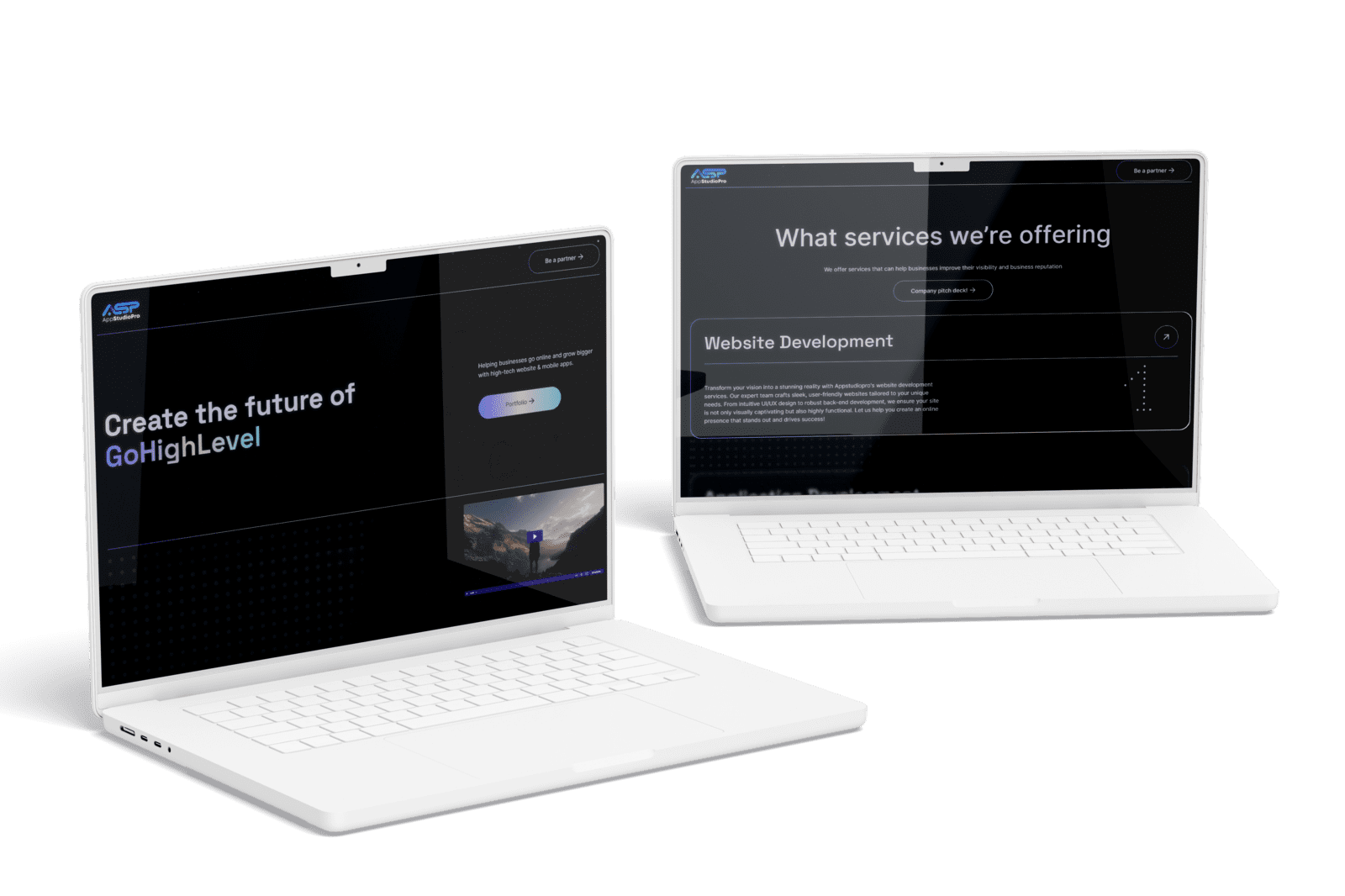
AppStudioPro needed a website it could expand with new service pages. YAVACADO planned the page architecture, rebuilt the site in Webflow using Client-First and configured CMS collections and integrations. This connects the platform decision to a specific operating need: extending the site as the service range grows.
Your next check
Mark each item as you check it. Ticks last for this page visit.
List three recurring publishing tasks.Test one difficult integration.Confirm editor permissions and ownership.Compare the total ongoing cost of the proposed setup.
Put it into practice
Run a fit test
Ask the implementation team to demonstrate a new service page, an edit to a reusable section and one form submission. Evaluate the actual workflow with the person who will own it.
Continue with a related guide
- Webflow vs WordPress: Compare the Workflow Before Choosing the Platform
- Webflow CMS: Build a Content Library Your Marketing Team Can Run
Official references
Discuss your website
Evaluate Webflow against your actual content, design and integration requirements.
FAQs
Is Webflow a no-code tool?
Can the marketing team update the site?
When should I consider another platform?
B2B Website Navigation: Help Buyers Find the Right Next Page
11/17/25
4
min to read
Figma to Webflow: A Reliable Handoff and Import Workflow
1/14/24
4
min to read
Content for AI Search: Make Your Answers Clear and Verifiable
3/9/26
4
min to read
Webflow SEO Checklist: Audit the Template, Content and Enquiry Journey
10/15/25
5
min to read
Relevant project
Corporate Website Redesign for an App Development Studio
We offer services that can help businesses improve their visibility and business reputation
Tech
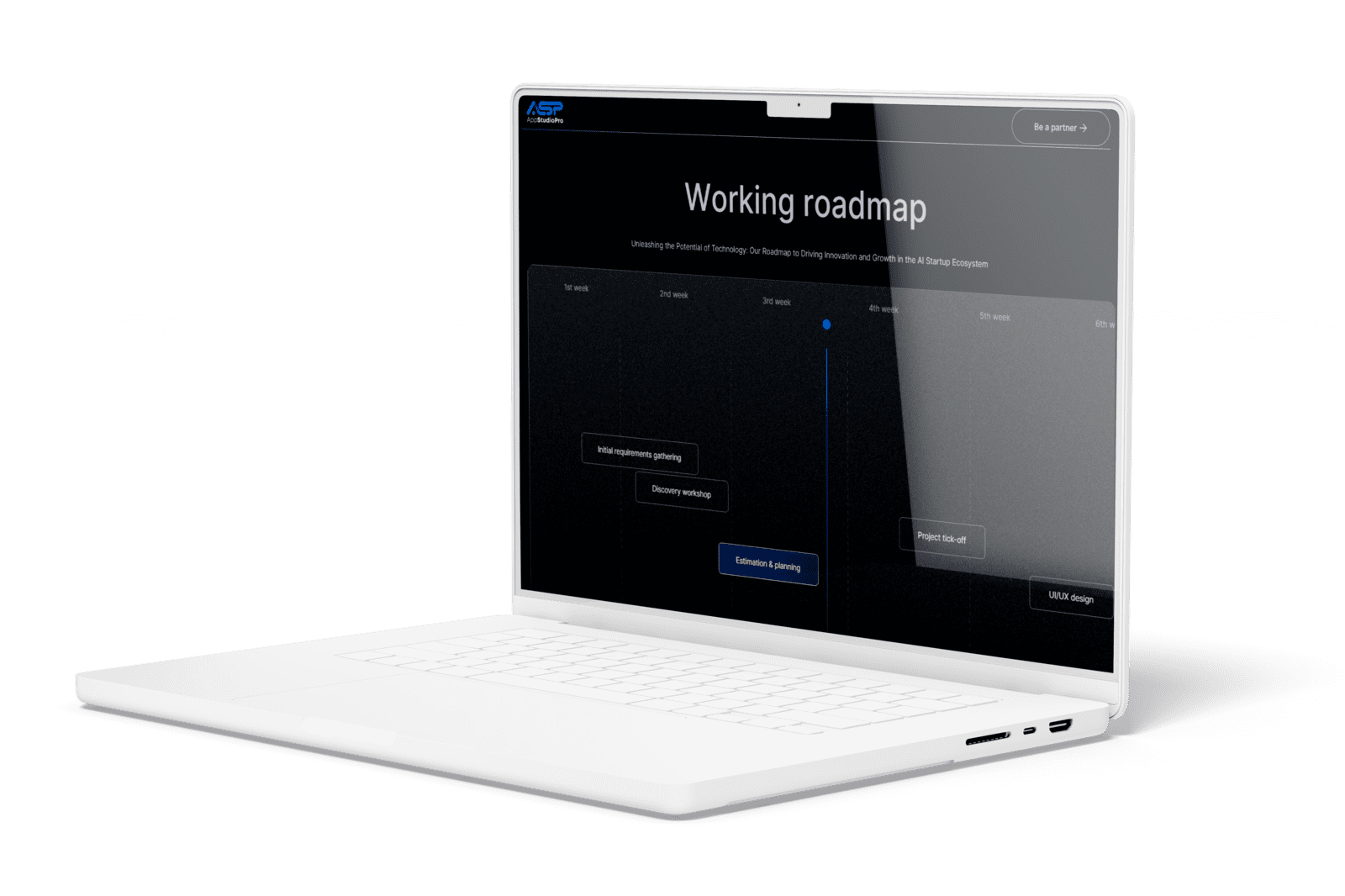
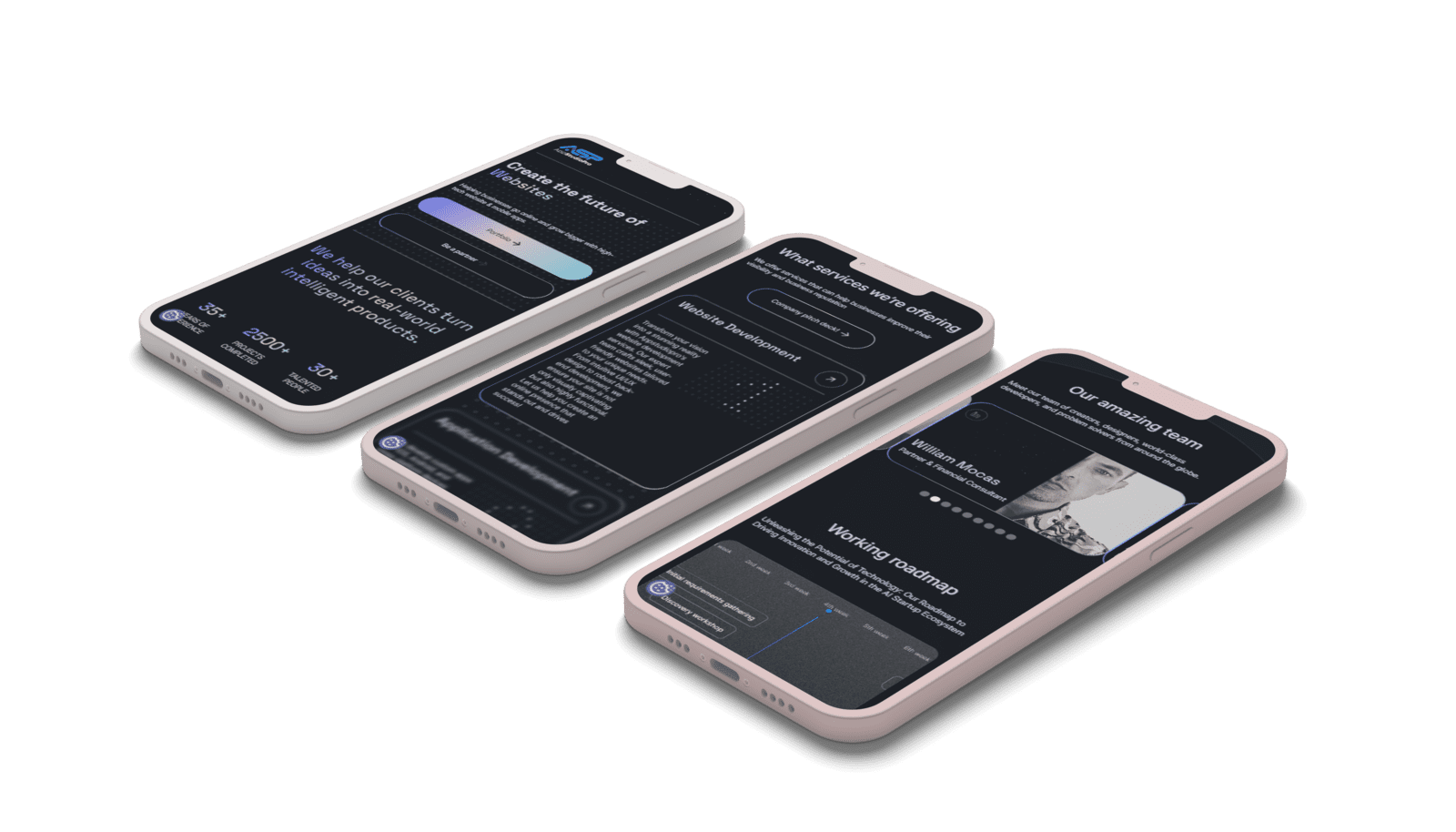
We redesigned and rebuilt the corporate website for AppStudioPro, a studio developing websites and mobile apps. The Webflow build on Client-First added new service pages, CMS and integrations, and was finished six days after design approval.
AppStudioPro
Testimonials
What our clients say
A web design agency that cares about you and your brand, no matter the size or what industry your business is in.


YAVACADO turned a complex booking process into one clear platform. Our team can manage tours and content in Webflow, while parents can book and pay securely through WayForPay. The result is easy to operate and built around the needs of the Ukrainian market.

The website captures the premium feel of our brand perfectly. From the design to the multilingual functionality and payment integration, every detail was delivered to a very high standard.

Excellent implementation of our Figma design in Webflow. The final website feels fast, polished, and exactly aligned with the premium fintech experience we wanted.

The funnel feels significantly more polished than the original concepts and was delivered in a format our internal team could immediately continue working with. Smooth process and excellent execution.

Working with YAVACADO was a fantastic experience. They understood both the technical requirements and the business goals, delivering a fast, polished website that's easy to manage and built to generate qualified leads.

Impressive speed and quality. The landing page was delivered in just hours and looks clean, professional, and ready to use.

The turnaround was incredibly fast, and the result looks clean and professional. The site reflects our firm perfectly and was delivered exactly on time.