

YAVACADO turned our technical equipment catalog into a clear, professional website that our team can manage. The CMS and CRM integration make it easier to present products, process enquiries, and support clinics from the first contact.

6
min to read
Webflow Conf 2026: What to Use Now and What to Watch
About tools
Web development
News
Explore all
September 29, 2026
Three ascending ivory platforms with a lime sphere, modular website shapes and a charcoal arch, illustrating a considered product roadmap.
In this article
Webflow Conf 2026 gives website teams useful improvements to evaluate now, alongside a much larger platform vision that is still emerging. Keep your current website roadmap moving. Choose a released feature that solves an existing problem, and treat previews and future releases as experiments until their access, limits and operating costs are clear.
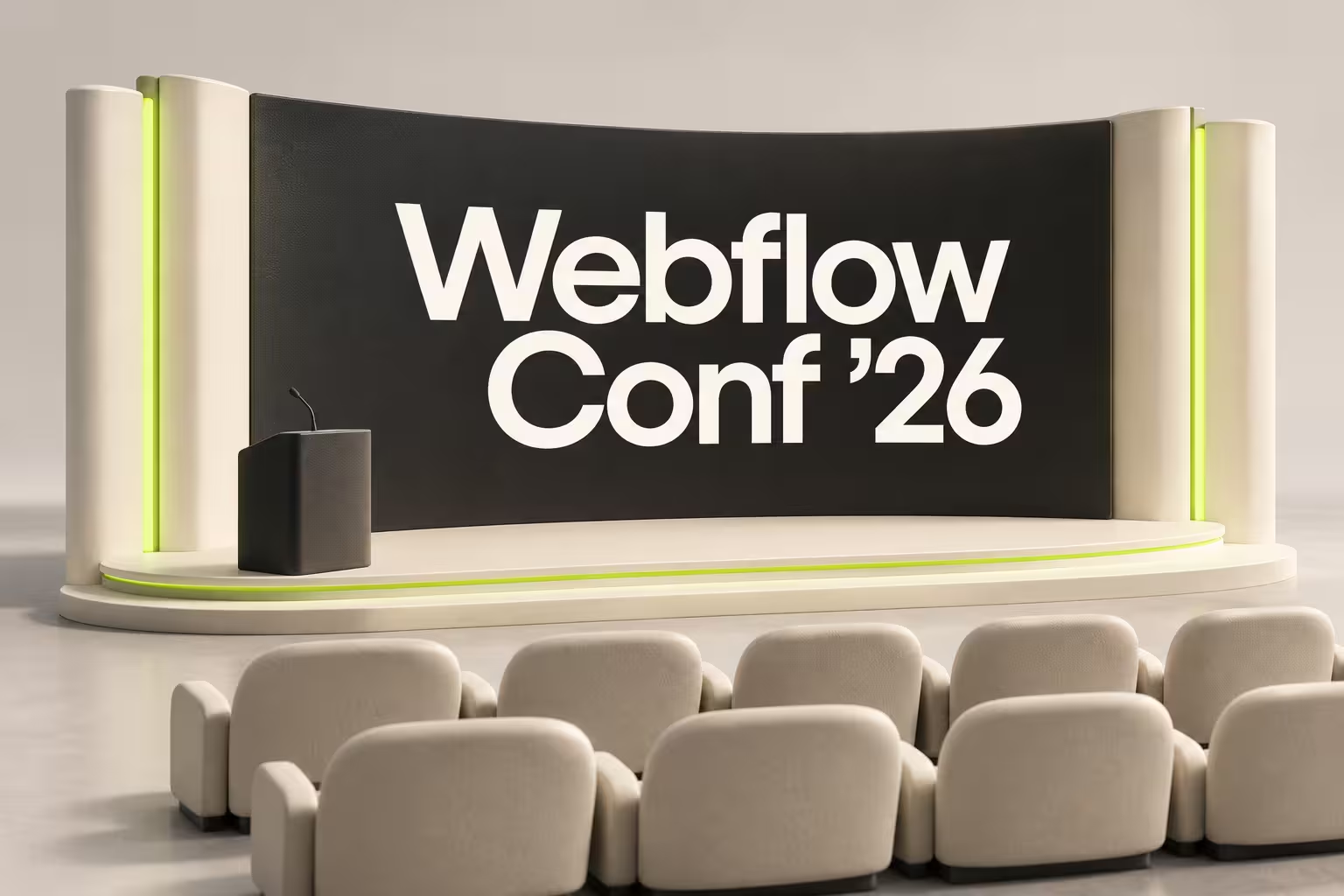
Webflow Conf 2026 took place on 1–3 September in Boston and online. This guide was prepared on 29 September 2026 from official announcements and documentation. It focuses on decisions for owners and marketing teams, rather than every conference session. We did not attend or test the announced products for this article.
Source is the major strategic announcement
Source by Webflow brings a codebase and marketing tools into a shared environment for people and AI agents. Webflow describes role-specific workspaces called Views, with visual editing and agents working on the underlying code.
The current Source page still describes a limited research preview. Access is phased and subject to approval. That matters when you are planning a launch: a preview application is not a delivery commitment.
Webflow also says it will continue investing in its existing platform and provide a supported path if customers choose to move to Source when it is ready. Our recommendation is to keep improving a working site while evaluating whether Source addresses a specific collaboration problem. The announcement alone is not a reason to rebuild.
Separate the conference roadmap from released functionality
The following is a selective status summary. Where no later launch was established in this review, the entry preserves the conference announcement rather than assuming a promised date was met.
- Campaigns: the 2 September recap described a beta for campaign pages, variants and ads, with purchase planned for October.
- Assets: creative production and adaptation tools were announced, with beta planned for October.
- Releases: whole-site branching was announced with beta planned later in 2026.
- Agent Presence: live visibility of agents on the canvas was promised later in September; this review did not establish a subsequent rollout confirmation.
- AEO content agents: the recap described content drafting for Enterprise customers, with additional refresh and external-access capabilities planned.
- Agent Instructions generation: rollout began on 2 September, using existing site context to draft guidance for agents.
Source for these announcement-stage statuses: Webflow's official conference recap. Confirm access and commercial terms for your account before committing a project to any of them. AEO means answer engine optimization: helping content be understood and found through AI answer systems. A drafting tool does not guarantee citations or useful enquiries.
MCP moved from announcement to a dated release
MCP, or Model Context Protocol, connects compatible AI tools with another application's tools and data. Webflow's 21 September release confirms interaction editing, richer CMS filtering and Webflow Cloud deployment and debugging capabilities. It also includes expanded branch management for Enterprise plans.
That later release is the evidence to use when discussing availability, rather than the keynote's earlier promise. For a marketing team, a useful trial could be retrieving a defined set of CMS records and checking that the selection is complete before allowing edits. For a development team, a deployment investigation needs an owner who can verify the diagnosis and recovery.
Do not make a broad request to improve the whole site as your first experiment. Name the page or collection, describe the required result and decide who reviews it. New tool access increases what an agent can attempt; it does not settle what your business should authorize.
A practical design improvement: breakpoint canvas
The breakpoint canvas announcement introduced side-by-side views for desktop, tablet, mobile and larger layouts. Its 2 September release note described a rollout across Design, Build and Edit modes, excluding Preview and Comment modes.
For the person approving a page, this is useful because a desktop adjustment can have consequences at smaller widths. Ask the designer to demonstrate the longest heading, a missing image and the main call to action across the relevant layouts. Continue testing the actual page's interactions and content; a set of canvases cannot prove that a form reaches the right inbox.
Example: planning a new service campaign
Illustrative scenario: a B2B team needs a service landing page, three audience variants and a reliable enquiry handoff. The deadline is fixed, and the existing Webflow site already supports publishing.
Keep the committed launch on the established workflow. Select one experiment alongside it: compare how long the team takes to produce and approve a variant with a new tool. Count the brief, corrections, responsive review and handoff checks, not just the first generated output.
If the experiment requires beta access that has not been granted, it cannot be on the critical path. If it produces useful drafts but takes longer to correct than the current method, narrow the assignment. A successful trial is a repeatable, approved result that fits the team's responsibilities.
This approach suits teams with a recurring publishing bottleneck and someone available to review the work. A small brochure site with occasional edits may gain more from clearer content and a simpler editor handover than from adopting several new products.
What to do after reading the recap
- Write down one recurring website task that currently causes delay.
- Match it to a released capability or an explicitly separate preview experiment.
- Confirm account access, plan requirements and costs directly before starting.
- Define the expected output, reviewer and recovery method.
- Compare the total effort with your current process before expanding adoption.
YAVACADO's TrustLayer migration from Strapi to Webflow is a relevant example of organising a website around the marketing team's content work. It is not a Source or conference-feature implementation. That same practical question applies here: which change helps your team run the website better?
The conference provides direction. Your next investment should follow a demonstrated need, confirmed availability and a result your team can check.
FAQs
Do we need to rebuild our existing Webflow site for Source?
Are all Webflow Conf 2026 announcements available now?
Where can we watch the conference sessions?
B2B Comparison Pages: Help Buyers Evaluate the Real Trade-offs
2/23/26
4
min to read
Webflow vs WordPress: Compare the Workflow Before Choosing the Platform
6/10/24
4
min to read
Website Enquiry Forms: Ask Better Questions and Reduce Friction
12/15/25
4
min to read
Client-First in Webflow: Build a Page the Next Person Can Understand
8/23/24
4
min to read
Testimonials
What our clients say
A web design agency that cares about you and your brand, no matter the size or what industry your business is in.


YAVACADO turned a complex booking process into one clear platform. Our team can manage tours and content in Webflow, while parents can book and pay securely through WayForPay. The result is easy to operate and built around the needs of the Ukrainian market.

The website captures the premium feel of our brand perfectly. From the design to the multilingual functionality and payment integration, every detail was delivered to a very high standard.

Excellent implementation of our Figma design in Webflow. The final website feels fast, polished, and exactly aligned with the premium fintech experience we wanted.

The funnel feels significantly more polished than the original concepts and was delivered in a format our internal team could immediately continue working with. Smooth process and excellent execution.

Working with YAVACADO was a fantastic experience. They understood both the technical requirements and the business goals, delivering a fast, polished website that's easy to manage and built to generate qualified leads.

Impressive speed and quality. The landing page was delivered in just hours and looks clean, professional, and ready to use.

The turnaround was incredibly fast, and the result looks clean and professional. The site reflects our firm perfectly and was delivered exactly on time.