
YAVACADO turned our technical equipment catalog into a clear, professional website that our team can manage. The CMS and CRM integration make it easier to present products, process enquiries, and support clinics from the first contact.
4
min to read
How to Write a Website Redesign Brief That Prevents Rework

Educational
Web design
Explore all
November 10, 2025
Turn a vague redesign request into a clear brief with buyer journeys, content responsibilities, acceptance criteria and a manageable first release.
In this article
Reviewed 12 September 2026.
A request for a modern website leaves most of the important decisions open. Two agencies can interpret it as completely different projects. A useful redesign brief describes what visitors and the internal team must be able to do, then makes the boundaries of the first release explicit.
Start with a problem you can observe
Collect three recent examples of the website getting in the way. A salesperson might send a separate PDF because the service page is incomplete. A marketer might wait several days to change a campaign page. A prospect might ask whether you serve their industry after reading the homepage. These examples give the project something concrete to fix.
Turn each problem into a desired behaviour. Instead of asking for better engagement, ask for a visitor to understand the service, find relevant work and submit a useful enquiry. Record any existing measurement alongside its date and source. If there is no baseline, make establishing one part of the project.
Describe journeys before counting pages
Page counts hide complexity. A five-page website with multiple forms, language versions and CRM routing can require more work than a larger site with one repeatable template. List the main audience groups and the decisions each group needs to make. Then connect those decisions to pages, evidence and actions.
For a hypothetical software studio, the route might be service page, relevant project, delivery process and project enquiry. A recruitment visitor needs a different route. Separate those journeys in the brief so the primary sales path does not become a directory of everything the company does.
A practical redesign brief, using a hypothetical service businessAreaUseful requirementEvidence of completionAudienceBuyers evaluating a new delivery partnerA relevant service and project are easy to findEditingMarketing publishes its own case studiesAn editor completes a supervised publishing taskEnquiriesRoute service requests to one ownerA test request reaches the right inboxScopeLaunch two service journeys firstBoth journeys work from entry page to confirmation
Make content and dependencies visible
Name who supplies the copy, who verifies technical claims and who approves client logos or testimonials. Include the current content inventory and identify material that will be kept, rewritten, merged or removed. A design cannot become final while its main message is still undecided.
List external dependencies with an owner: domain access, CRM credentials, translation, photography and stakeholder approval. Document what the agency can proceed with when an input is late. A phased launch can be sensible, but it should preserve a complete visitor journey rather than ship a polished homepage with unfinished destinations.
Agree what finished means
Define acceptance through tasks. An editor can publish a case study without breaking the layout. A mobile visitor can submit the form and receive a clear confirmation. Existing important URLs reach the intended pages after launch. These statements are easier to review than requests for a premium feel.
Ask proposals to identify assumptions, exclusions and recurring costs separately. Compare the same scope across candidates. Before kickoff, settle which person can approve changes and how additions affect the schedule. A short decision log prevents an old suggestion from quietly becoming an unbudgeted requirement.
A brief becomes useful when another person can use it to make the same scope decisions you would.
A related YAVACADO project
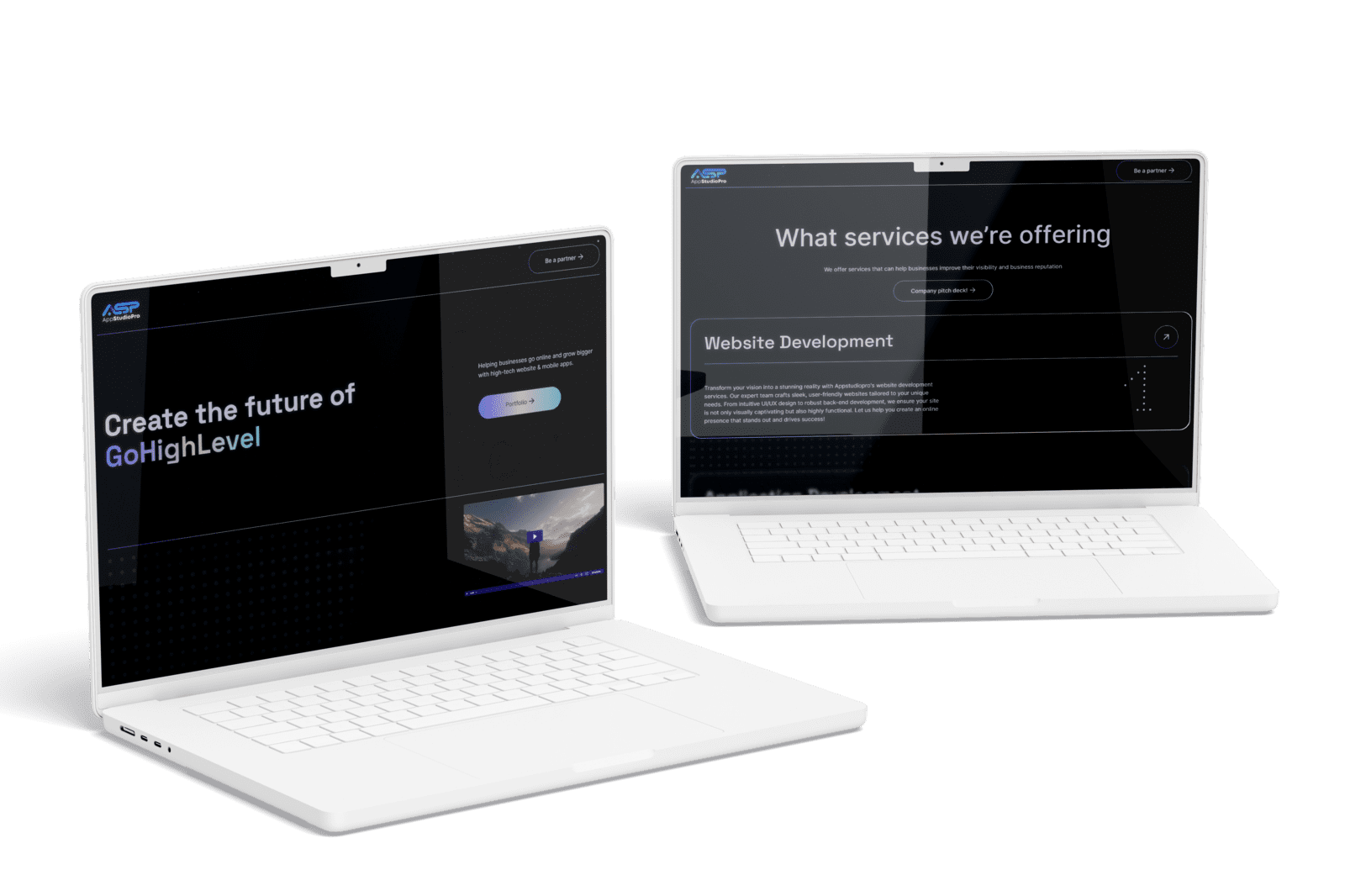
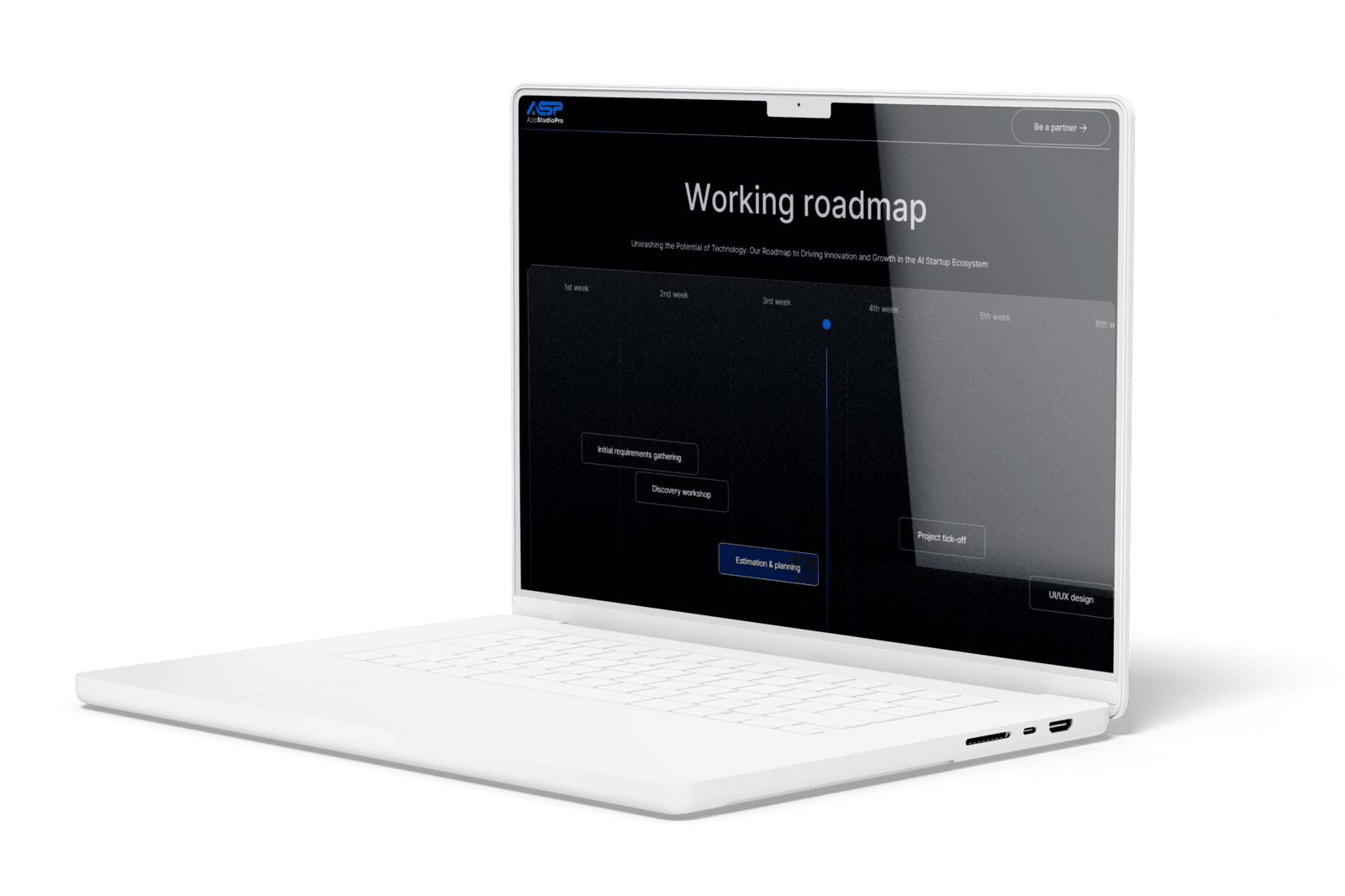
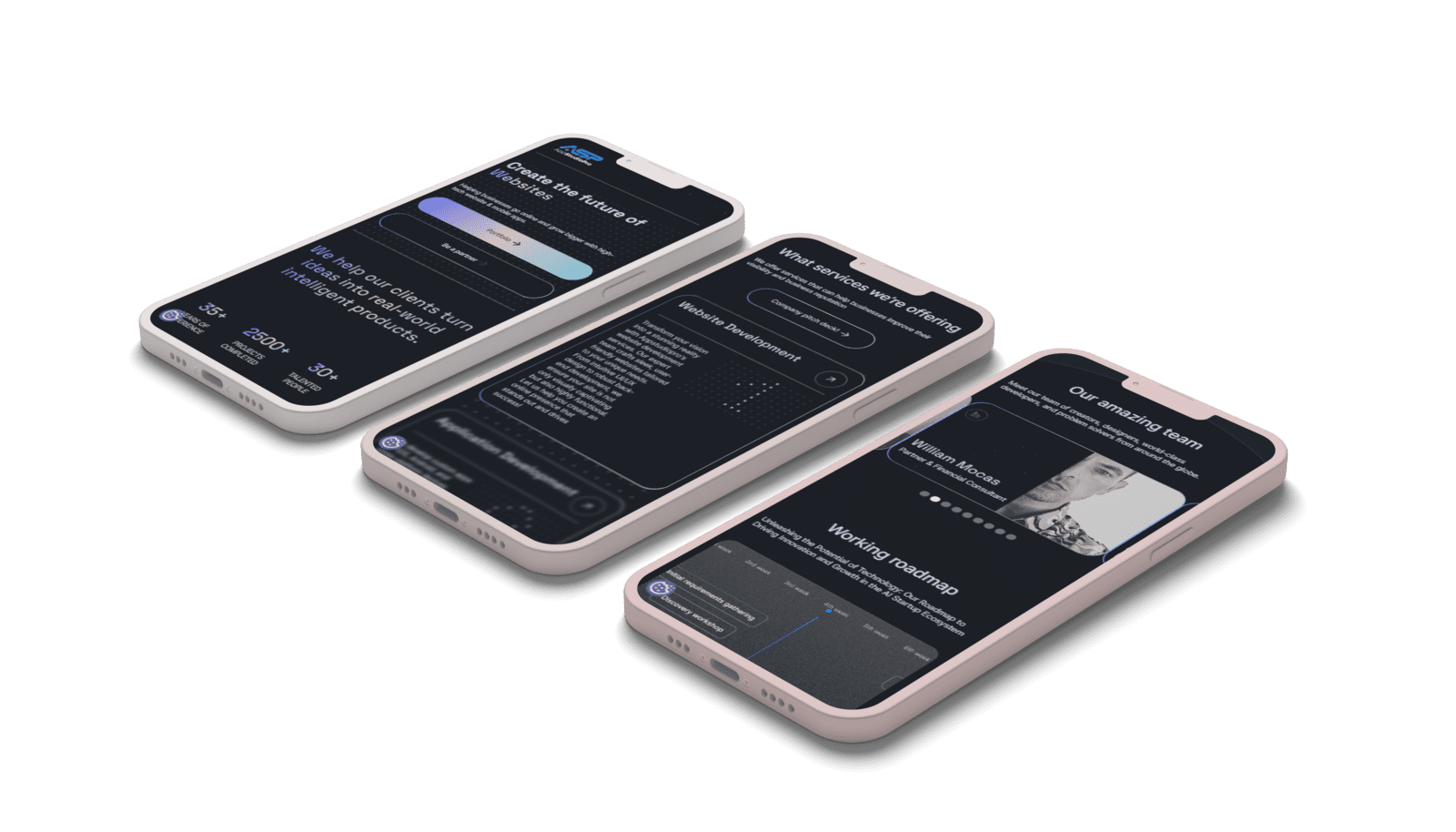
For AppStudioPro, YAVACADO agreed the page architecture, created a Figma prototype and built the website in Webflow. The delivered scope included service pages, CMS collections and integrations. This project provides a concrete example of a website with several connected content and delivery requirements.
Check your own website
Your review checklistWrite three observable problemsName one primary buyer journeyAssign owners to copy and approvalsDefine acceptance tasks for the first releaseUse these checks as you review. Selections are not saved.
Put it into practice
Rewrite this requirement: “We need a more premium site with better conversions.”
Show the suggested approach
Try: “For our two priority services, visitors must understand the offer, review relevant work and send a project enquiry. We will verify these tasks on mobile and desktop, then compare qualified enquiries against a documented baseline.” The visual direction still matters, but it now serves a defined job.
Continue reading
Why Use Webflow? Benefits, Trade-offs and a Practical Fit Check
References
Discuss your website
Bring your current website and the task you want to improve. YAVACADO can help define the content, design and implementation work needed for the next step.
FAQs
How long should a website brief be?
Do we need finished copy before requesting a proposal?
Should the brief specify Webflow?
Webflow CMS Reference Fields: Model Relationships Before Importing Content
1/5/26
4
min to read
Campaign Landing Pages: Keep the Promise from Ad to Enquiry
12/8/25
4
min to read
Webflow vs WordPress: Compare the Workflow Before Choosing the Platform
6/10/24
4
min to read
Client-First in Webflow: Build a Page the Next Person Can Understand
8/23/24
4
min to read
Relevant project
Corporate Website Redesign for an App Development Studio
Tech
Create the future of virtual presence. Helping businesses go online and grow bigger with high-tech website & mobile apps.
AppStudioPro
LET’S WORK TOGETHER
LET’S WORK TOGETHER
LET’S WORK TOGETHER
LET’S WORK TOGETHER
LET’S WORK TOGETHER
LET’S WORK TOGETHER
LET’S WORK TOGETHER
LET’S WORK TOGETHER
Testimonials
What our clients say
A web design agency that cares about you and your brand, no matter the size or what industry your business is in.

YAVACADO turned a complex booking process into one clear platform. Our team can manage tours and content in Webflow, while parents can book and pay securely through WayForPay. The result is easy to operate and built around the needs of the Ukrainian market.

The website captures the premium feel of our brand perfectly. From the design to the multilingual functionality and payment integration, every detail was delivered to a very high standard.

Excellent implementation of our Figma design in Webflow. The final website feels fast, polished, and exactly aligned with the premium fintech experience we wanted.
.png)
The funnel feels significantly more polished than the original concepts and was delivered in a format our internal team could immediately continue working with. Smooth process and excellent execution.

Working with YAVACADO was a fantastic experience. They understood both the technical requirements and the business goals, delivering a fast, polished website that's easy to manage and built to generate qualified leads.

Impressive speed and quality. The landing page was delivered in just hours and looks clean, professional, and ready to use.

The turnaround was incredibly fast, and the result looks clean and professional. The site reflects our firm perfectly and was delivered exactly on time.

The YAVACADO team helped us present FromLab2Jab’s complex services in a clear and professional way. The structure, CMS, and filtering system make it easy for our team to manage and scale the content.

The final website matched the Figma design with impressive accuracy. The animations, sticky sections, and overall Webflow execution made the project feel polished and high-end.
%2520(1).png)
YAVACADO delivered a powerful, scalable platform that fully supports our operations. The CMS structure, CRM integrations, and automation tools significantly improved how we manage inquiries and camp programs.

The phased design and development approach made everything clear and efficient. The team delivered a professional SaaS website on time, and the training support helped us manage content confidently

The platform works exactly as we envisioned — secure, structured, and scalable. Subscription management and report access are fully automated, and everything runs smoothly.

The Webflow build perfectly matches the AI design and feels even better in motion. Everything from CMS to animations works smoothly—great work!


The redesign gave our website a completely new look. The layouts feel modern, the services are presented much clearer, and the site works perfectly on mobile.

The redesign elevated our corporate presence and made content much easier to manage. The Feensweet filtering and CRM integration streamlined our user experience and lead flow — great implementation!

%25201.png)
