
YAVACADO turned our technical equipment catalog into a clear, professional website that our team can manage. The CMS and CRM integration make it easier to present products, process enquiries, and support clinics from the first contact.
4
min to read
The Future of Your Webflow Website: Plan for Change Without a Rebuild
About tools
Web development
Explore all
November 4, 2024
Make your Webflow website easier to evolve by defining content ownership, reusable patterns, integration boundaries and a practical change process.
In this article
Updated 12 September 2026.
In this guide
- Make decisions around your own publishing roadmap rather than unconfirmed product features.
- Keep content, presentation and external services clearly organised.
- Test the next likely website change before launch.
Replace platform predictions with your own roadmap
It is tempting to plan a website around features a platform might introduce. A more dependable starting point is the change you already expect in your business: new services, new markets, more case studies or a larger marketing team.
Write a six-month list of likely publishing tasks. Rank them by frequency and business importance. The first architecture decisions should make those tasks manageable. Unannounced capabilities should not be prerequisites for the website to work.
Define the content that needs to grow
Identify repeatable information such as projects, authors, services and resources. Give each a clear meaning and owner. Document the relationships that matter to visitors, such as an article leading to a relevant service or project.
A template needs to work when some optional content is absent. Test a project without a testimonial and an article with a long title. If an ordinary content update needs a developer to repair the layout, the content model and its presentation need another review.
A website change planLikely changePrepare nowTest withNew serviceA repeatable service structureA real additional serviceMore case studiesClear CMS fields and relationshipsA project with missing optional contentNew marketA locale and content ownership planA representative translated journeyNew integrationA documented data boundaryAn end-to-end testMore contributorsPermissions and editing guidanceAn editor unfamiliar with the build
Make the design system easy to change
Keep recurring decisions in a small set of documented patterns. Distinguish global typography and spacing from layouts that belong to a specific section. Give editors a clear set of supported choices rather than a collection of nearly identical components.
Before adding a variation, ask whether the existing pattern can express the requirement cleanly. If it cannot, create a deliberate alternative and explain when it should be used. The goal is not the largest library; it is a library whose decisions people can understand.
Practical takeaway: The best preparation for platform change is a website whose current structure is easy to understand.
Keep integrations replaceable
Record the system that owns each important piece of data. For a lead form, document the field names, destination and expected confirmation. For a booking tool, note where availability is controlled and what the site shows when the tool cannot load.
Keep an inventory of custom code and connected services with an owner for each. This makes a later change easier to scope. When considering a new Webflow capability, compare it with a known dependency and test the replacement before removing the existing workflow.
Rehearse a realistic future change
Ask the team to perform the next likely task on a controlled version of the site. Publish a new service, connect a new project to an article or add a second-language page. Note where the workflow is unclear or unnecessarily technical.
Resolve the recurring problems before adding more features. Then document how changes are requested, reviewed and published. A website that can evolve depends as much on clear ownership and working conventions as on the platform underneath it.
A related YAVACADO project
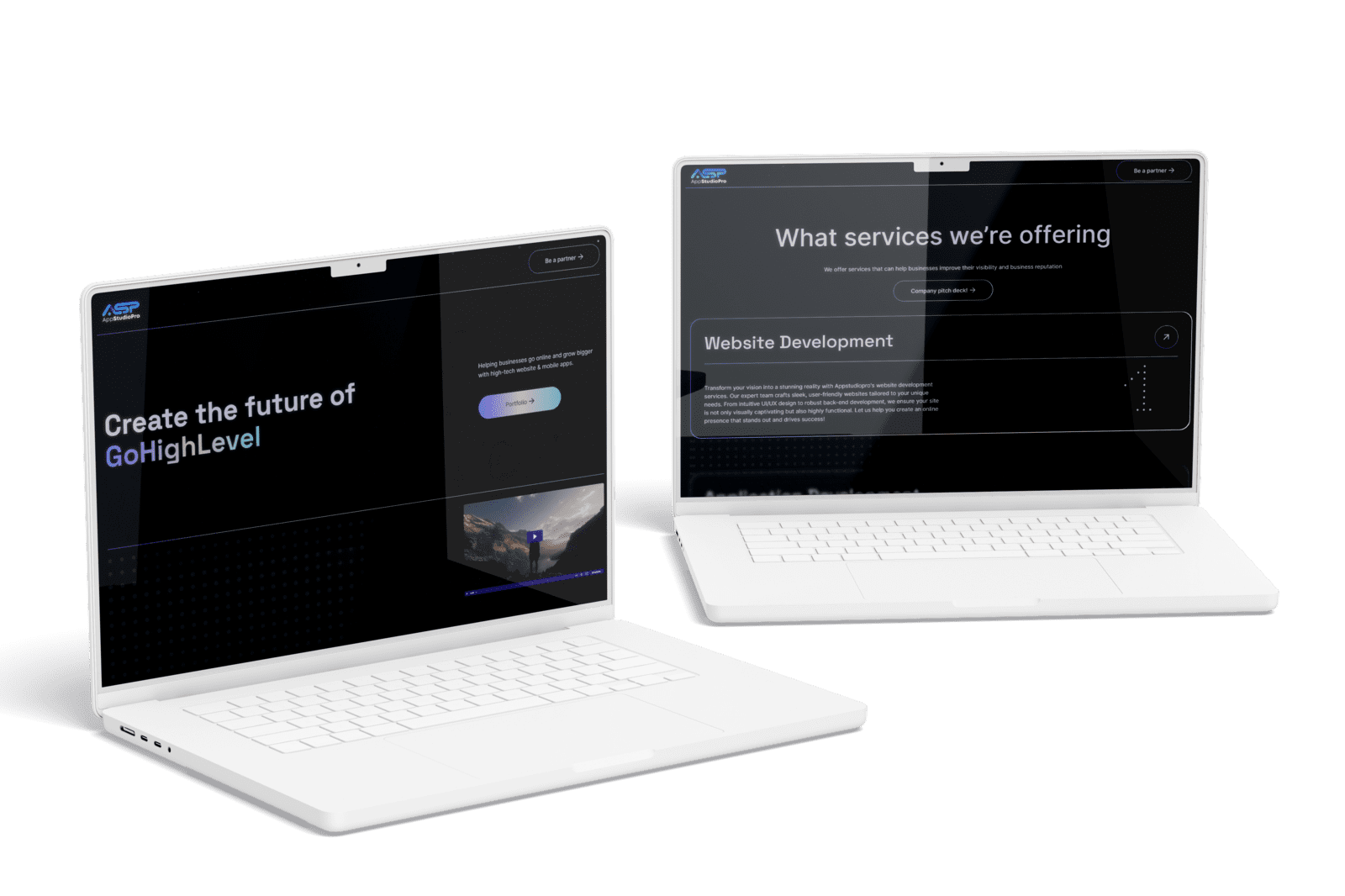
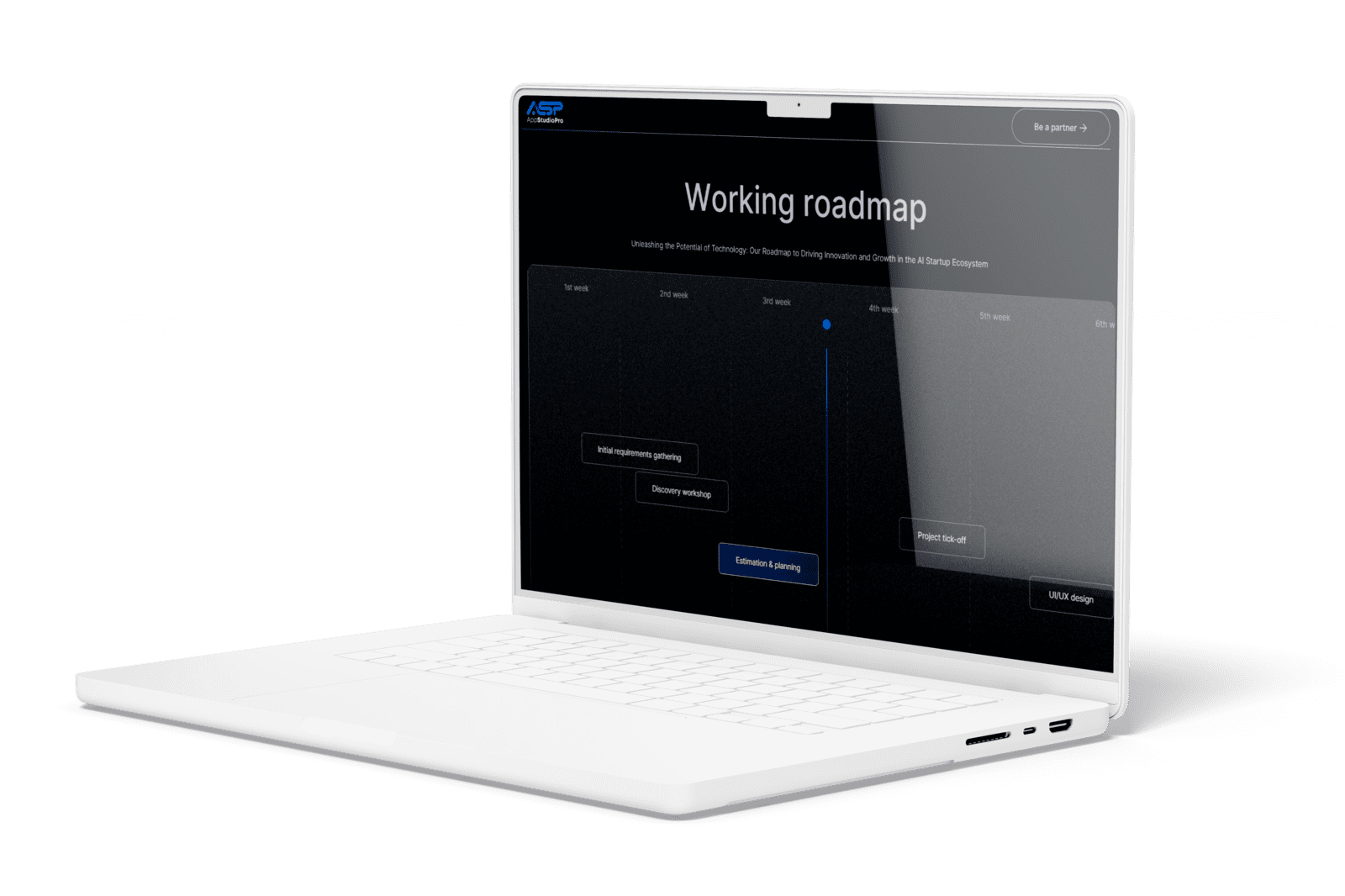
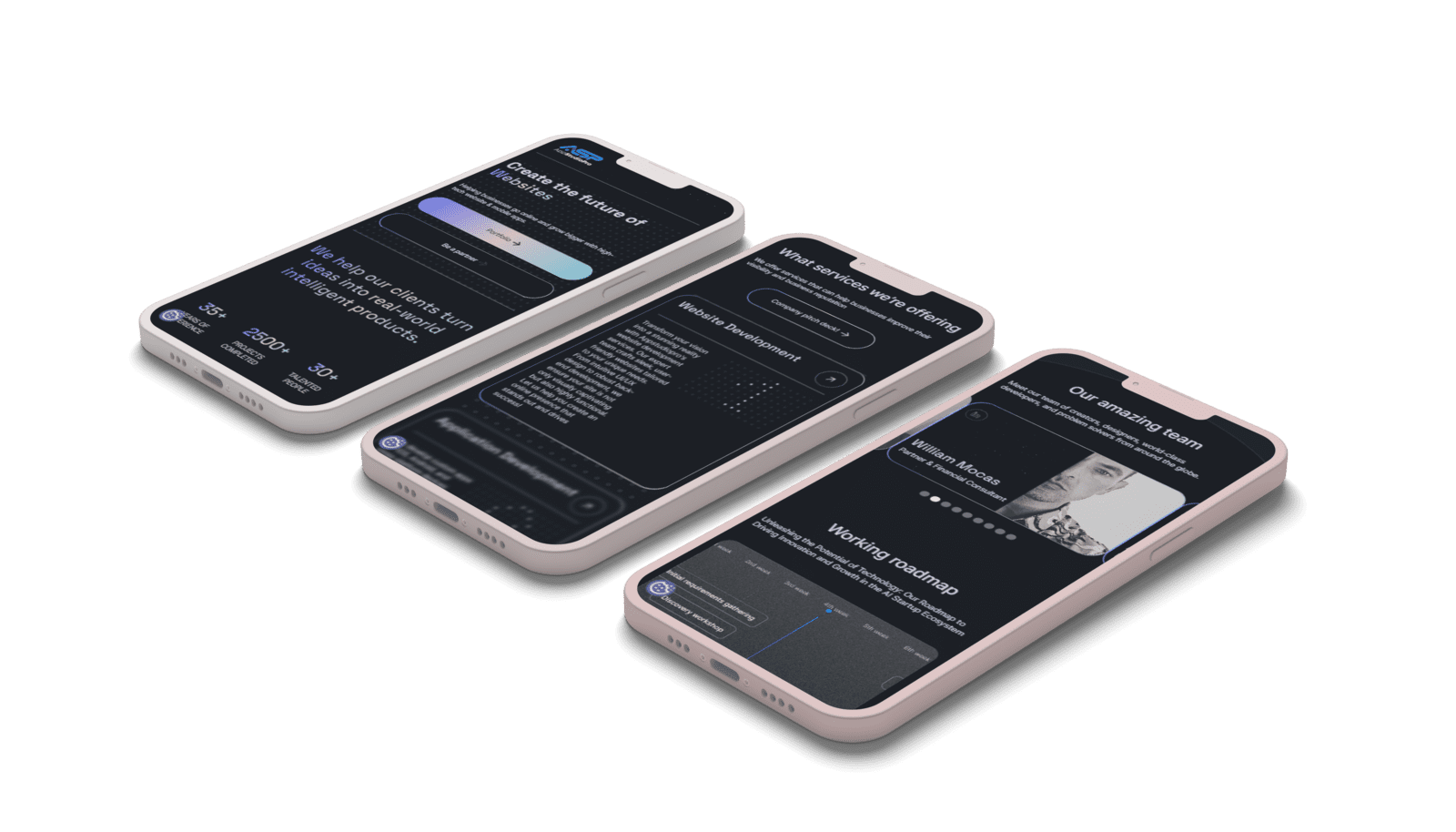
AppStudioPro needed room for new service pages and a configured CMS. YAVACADO agreed the page architecture before development and built on Client-First conventions. That approach connects future growth to concrete content tasks rather than speculative platform promises.
Your next check
Mark each item as you check it. Ticks last for this page visit.
List the next three likely content changes.Document global and section-specific design rules.Record integration ownership.Rehearse a new service or case-study publication.
Put it into practice
Find the next rebuild risk
Ask which routine change would currently require rebuilding a page. Redesign that workflow first, then check whether the solution also helps other recurring tasks.
Continue with a related guide
- Build a Webflow Design System: Tokens, Components and Real Content
- Webflow Conf 2024: The Announcements and the Questions to Ask Before Adopting Them
Discuss your website
Plan a Webflow structure around the next stage of your business.
FAQs
Can a website be completely future-proof?
Should we adopt every new Webflow feature?
What should be included in the handover?
How to Write a Website Redesign Brief That Prevents Rework
11/10/25
4
min to read
Webflow SEO Checklist: Audit the Template, Content and Enquiry Journey
10/15/25
5
min to read
Webflow vs WordPress: Compare the Workflow Before Choosing the Platform
6/10/24
4
min to read
Website First Impressions: Design for Clarity, Trust and the Next Step
9/18/23
4
min to read
Relevant project
Corporate Website Redesign for an App Development Studio
Tech
Create the future of virtual presence. Helping businesses go online and grow bigger with high-tech website & mobile apps.
AppStudioPro
Testimonials
What our clients say
A web design agency that cares about you and your brand, no matter the size or what industry your business is in.

YAVACADO turned a complex booking process into one clear platform. Our team can manage tours and content in Webflow, while parents can book and pay securely through WayForPay. The result is easy to operate and built around the needs of the Ukrainian market.

The website captures the premium feel of our brand perfectly. From the design to the multilingual functionality and payment integration, every detail was delivered to a very high standard.

Excellent implementation of our Figma design in Webflow. The final website feels fast, polished, and exactly aligned with the premium fintech experience we wanted.

The funnel feels significantly more polished than the original concepts and was delivered in a format our internal team could immediately continue working with. Smooth process and excellent execution.

Working with YAVACADO was a fantastic experience. They understood both the technical requirements and the business goals, delivering a fast, polished website that's easy to manage and built to generate qualified leads.

Impressive speed and quality. The landing page was delivered in just hours and looks clean, professional, and ready to use.

The turnaround was incredibly fast, and the result looks clean and professional. The site reflects our firm perfectly and was delivered exactly on time.