
YAVACADO turned our technical equipment catalog into a clear, professional website that our team can manage. The CMS and CRM integration make it easier to present products, process enquiries, and support clinics from the first contact.
4
min to read
Build a Webflow Design System: Tokens, Components and Real Content
Web design
Educational
Web development
Explore all
October 6, 2025
Create a small, useful Webflow design system by defining shared style decisions, component responsibilities and tests with realistic content.
In this article
Updated 12 September 2026.
In this guide
- Separate shared style values from component structure and content.
- Build the few patterns your website repeatedly needs.
- Test global changes and content extremes before expanding the library.
Audit repetition before creating components
Review the actual pages and identify patterns: service cards, project teasers, calls to action and frequently used section layouts. Group patterns by structure and behaviour, not merely by similar colours.
A useful initial library might contain a few carefully tested components. Avoid turning every unique section into a reusable component simply to increase the count. Reuse should reduce repeated decisions; a component with many unrelated switches can make editing harder.
Define the shared visual decisions
Write down the roles of your colours, spacing and typography. Use names that describe purpose, such as primary text or section spacing. Keep a small scale and document intentional exceptions.
Where supported, bind recurring values to Webflow variables. Keep layout decisions in the component that owns them. A variable is a reusable value, not a replacement for deciding which element controls width, alignment or stacking. Start with a representative page before applying the system everywhere.
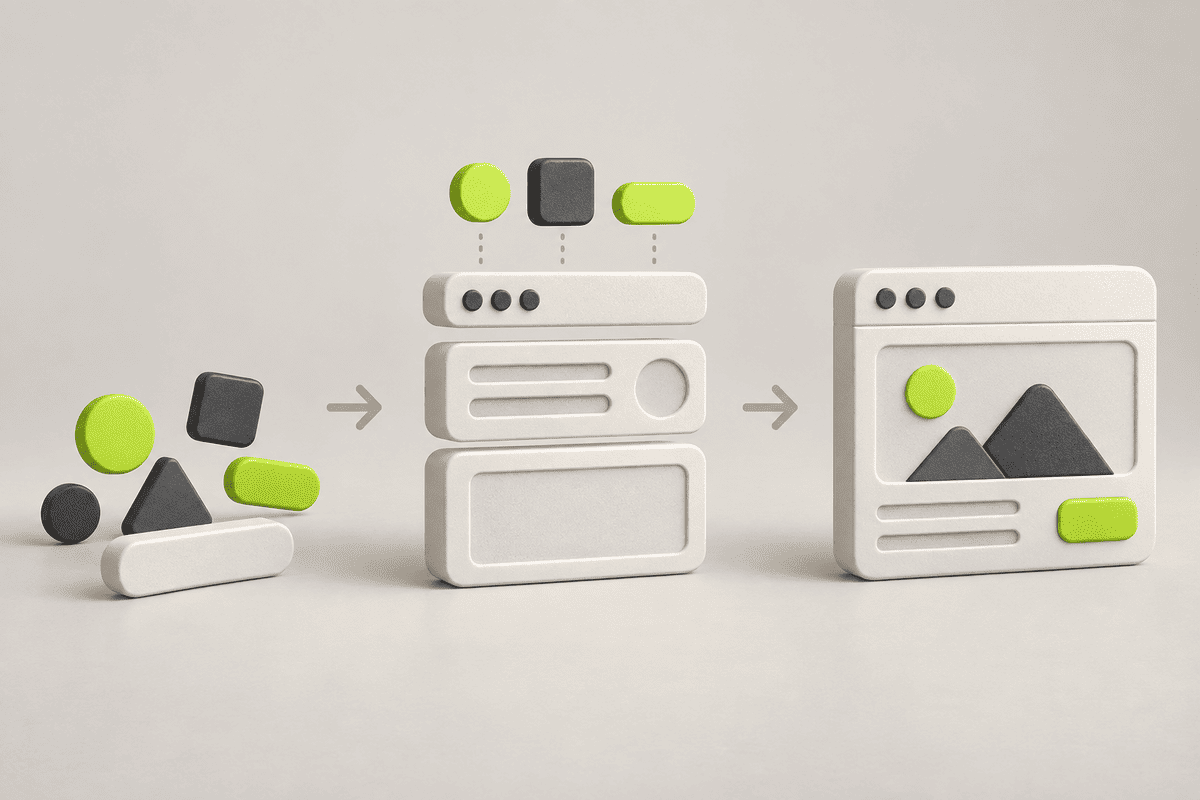
Three layers of a practical design systemLayerOwnsExampleTokensRecurring visual valuesText colour, spacing and type scaleComponentsStructure and supported behaviourProject card with a fixed image ratioContentInstance-specific informationProject name, image and destinationGuidelinesHow the layers are usedWhen a variation is allowed
Give each component a clear contract
Define what the component contains, which content changes per instance and which variations are supported. Webflow components can expose content through properties and slots; use the official component overview to understand the available structure.
For a project card, the contract might include a title, image, destination and optional category label. Decide the image ratio and missing-image behaviour. An editor should not need to detach the component to publish an ordinary project.
Practical takeaway: A design system succeeds when a routine content change remains routine.
Test beyond the perfect mockup
Build a small test page with each supported pattern. Use the longest plausible title, an empty optional field and an image with an awkward crop. Review hover, keyboard focus and mobile behaviour.
Change a shared value and inspect all affected components. Then change one local variation and confirm the unrelated instances remain correct. These two tests reveal whether the system’s ownership rules work in both directions.
Document the decisions that matter
Explain when to use each component, which content it expects and which changes affect the whole site. Show a working example rather than a long list of abstract principles. Identify the person responsible for approving new variations.
Review the library when a pattern repeatedly needs exceptions. Either the component contract is too narrow or the new content deserves a different pattern. Expand the system through observed needs, then retire confusing duplicates as part of a controlled change.
A related YAVACADO project
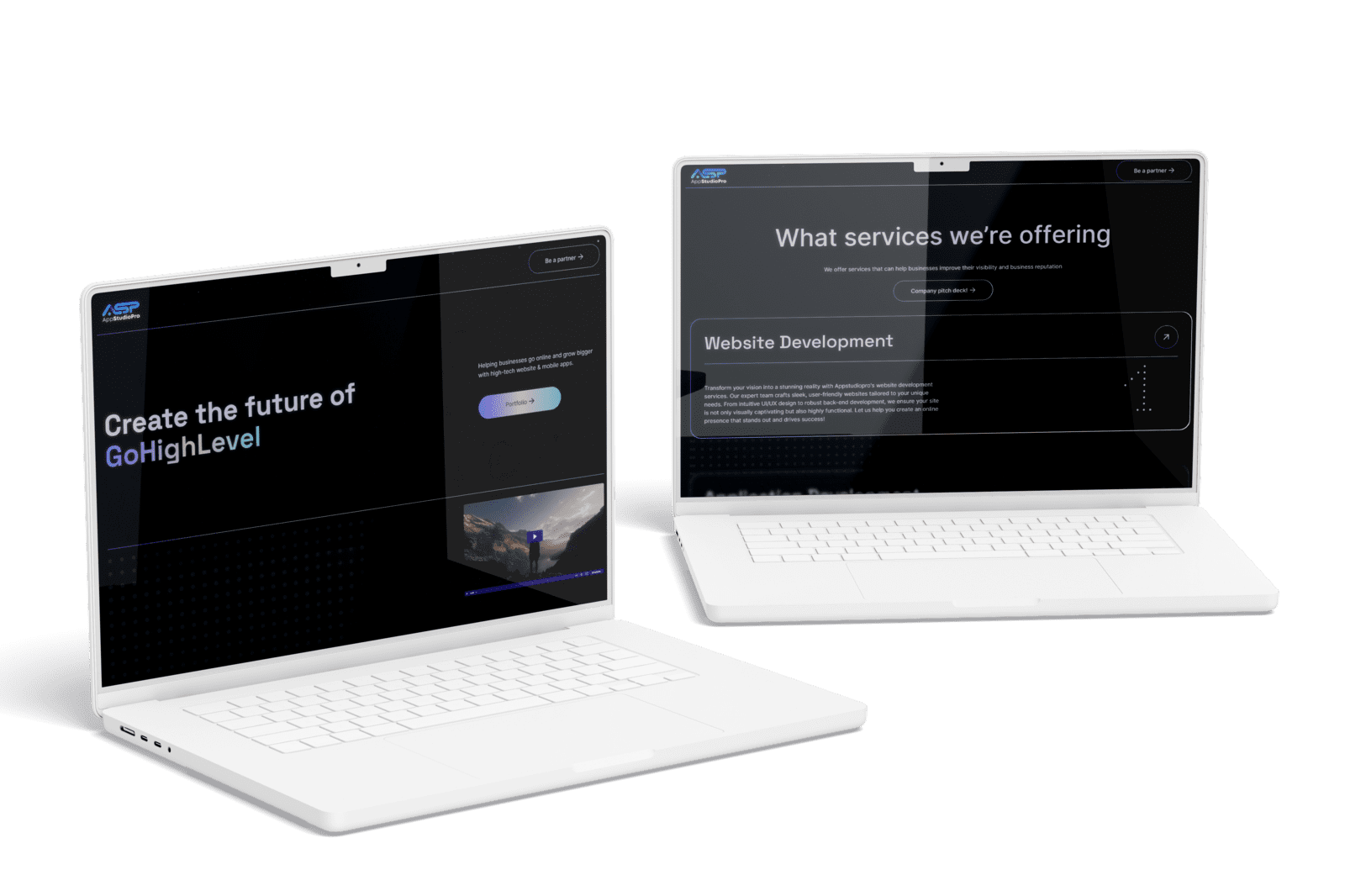
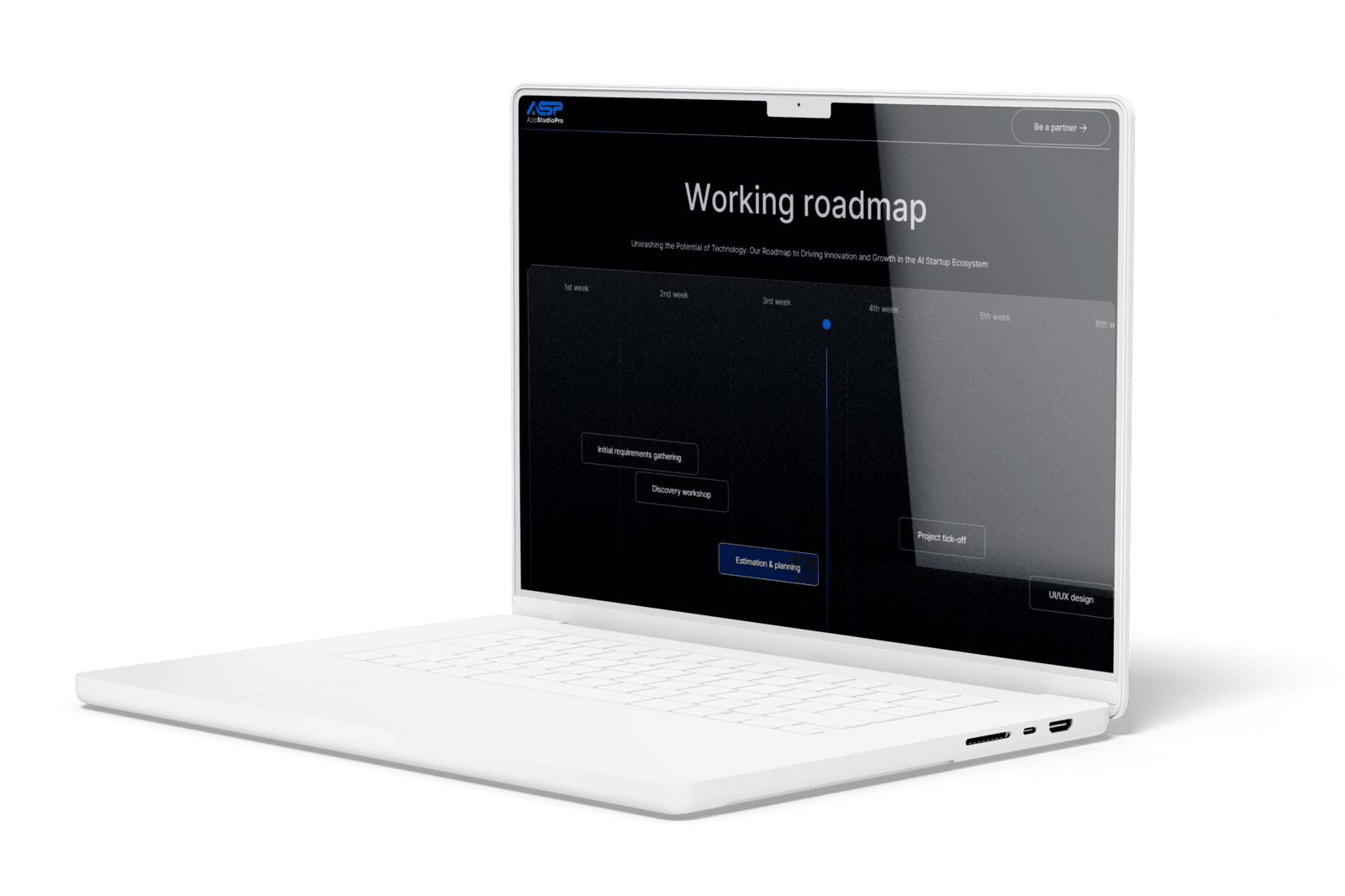
AppStudioPro needed new service pages and an expandable Webflow structure. YAVACADO combined page architecture, Client-First conventions, CMS collections and integrations. It is a useful example of planning shared structure around actual growth needs, rather than creating a component library without a publishing purpose.
Your next check
Mark each item as you check it. Ticks last for this page visit.
List the recurring patterns before building them.Define required and optional content.Test global changes across the library.Test local changes without unintended side effects.Document ownership of new variations.
Put it into practice
Audit a component with too many exceptions
List its switches and optional fields. If they describe several unrelated content types, split the pattern deliberately instead of adding another conditional branch.
Continue with a related guide
- Webflow Variable Modes: Create a Theme You Can Maintain
- Client-First in Webflow: Build a Page the Next Person Can Understand
Official references
Discuss your website
Create reusable Webflow patterns that support real content and future contributors.
FAQs
How many components should a design system have?
Are variables and components interchangeable?
When should a new variation become a separate component?
Webflow Alignment Explained: Text, Flexbox and Responsive Layouts
6/13/25
4
min to read
Webflow CMS Reference Fields: Model Relationships Before Importing Content
1/5/26
4
min to read
A Blog Publishing Checklist That Catches More Than Typos
1/12/26
4
min to read
Is Webflow Too Much for Your Website? A Scope and Cost Decision Guide
6/29/25
4
min to read
Relevant project
Corporate Website Redesign for an App Development Studio
Tech
Create the future of virtual presence. Helping businesses go online and grow bigger with high-tech website & mobile apps.
AppStudioPro

LET’S WORK TOGETHER
LET’S WORK TOGETHER
LET’S WORK TOGETHER
LET’S WORK TOGETHER
LET’S WORK TOGETHER
LET’S WORK TOGETHER
LET’S WORK TOGETHER
LET’S WORK TOGETHER
Testimonials
What our clients say
A web design agency that cares about you and your brand, no matter the size or what industry your business is in.


YAVACADO turned a complex booking process into one clear platform. Our team can manage tours and content in Webflow, while parents can book and pay securely through WayForPay. The result is easy to operate and built around the needs of the Ukrainian market.

The website captures the premium feel of our brand perfectly. From the design to the multilingual functionality and payment integration, every detail was delivered to a very high standard.

Excellent implementation of our Figma design in Webflow. The final website feels fast, polished, and exactly aligned with the premium fintech experience we wanted.
.png)
The funnel feels significantly more polished than the original concepts and was delivered in a format our internal team could immediately continue working with. Smooth process and excellent execution.

Working with YAVACADO was a fantastic experience. They understood both the technical requirements and the business goals, delivering a fast, polished website that's easy to manage and built to generate qualified leads.

Impressive speed and quality. The landing page was delivered in just hours and looks clean, professional, and ready to use.

The turnaround was incredibly fast, and the result looks clean and professional. The site reflects our firm perfectly and was delivered exactly on time.

The YAVACADO team helped us present FromLab2Jab’s complex services in a clear and professional way. The structure, CMS, and filtering system make it easy for our team to manage and scale the content.

The final website matched the Figma design with impressive accuracy. The animations, sticky sections, and overall Webflow execution made the project feel polished and high-end.
%2520(1).png)
YAVACADO delivered a powerful, scalable platform that fully supports our operations. The CMS structure, CRM integrations, and automation tools significantly improved how we manage inquiries and camp programs.

The phased design and development approach made everything clear and efficient. The team delivered a professional SaaS website on time, and the training support helped us manage content confidently

The platform works exactly as we envisioned — secure, structured, and scalable. Subscription management and report access are fully automated, and everything runs smoothly.

The Webflow build perfectly matches the AI design and feels even better in motion. Everything from CMS to animations works smoothly—great work!


The redesign gave our website a completely new look. The layouts feel modern, the services are presented much clearer, and the site works perfectly on mobile.

The redesign elevated our corporate presence and made content much easier to manage. The Feensweet filtering and CRM integration streamlined our user experience and lead flow — great implementation!

%25201.png)
