
YAVACADO turned our technical equipment catalog into a clear, professional website that our team can manage. The CMS and CRM integration make it easier to present products, process enquiries, and support clinics from the first contact.
4
min to read
B2B Comparison Pages: Help Buyers Evaluate the Real Trade-offs
Web design
Educational
Explore all
February 23, 2026
Build a comparison page around useful criteria, transparent assumptions and evidence so buyers can understand which option fits their situation.
In this article
Reviewed 12 September 2026.
A comparison page is useful when it helps a buyer choose. A table that awards your company a checkmark in every row tells the reader very little. Start with the situations that make the alternatives meaningfully different.
Choose criteria from the buying decision
Collect the questions prospects ask when evaluating options. For a website project, these might concern editing, integrations, content ownership, maintenance and delivery responsibilities. Keep criteria specific enough that a reader can verify the answer.
Avoid using vague qualities such as innovative or premium as if they were objective measurements. If collaboration matters, describe the workflow: who reviews work, how changes are requested and what documentation is delivered. Concrete criteria give a buyer something to compare beyond a marketing adjective.
Make assumptions and fit visible
Explain which version, service scope or configuration the comparison covers. Capabilities can depend on plans, integrations and implementation choices. Date any factual comparison that may change and assign an owner to revisit it.
Include the situations where another approach may fit better. For example, a standard template may be appropriate for a small, temporary campaign, while a custom system may suit a growing library. This does not weaken the offer. It helps the reader understand why a particular investment would be appropriate for their requirements.
Illustrative comparison criteria for a website engagementCriterionQuestion to askEvidence to requestEditingWho can publish routine changes?A realistic editing demonstrationIntegrationsWho owns the connection and failures?A responsibility and support planContentWho writes and approves it?An explicit scopeHandoverWhat can the team maintain?Documentation and a task-based walkthrough
Design a table people can actually read
Keep row labels short and meaningful. Put detailed explanation below the table instead of forcing paragraphs into narrow cells. W3C’s table guidance emphasises captions and correctly associated headers so the relationships remain understandable beyond the visual layout.
On mobile, preserve the relationship between each criterion and its values. Horizontal scrolling can work for a small comparison when it is clear and contained. Test with longer labels and enlarged text. Do not reduce the font until the table technically fits but becomes uncomfortable to read.
Give the buyer a useful next step
After the comparison, suggest a way to resolve the remaining uncertainty. That could be a requirements checklist, a relevant project or a focused conversation. Match the action to the decision the reader is making.
Review the page whenever the underlying offer changes. Update claims and sources together. A comparison can become misleading through neglect even when it was accurate at launch. Keep the evidence close enough that a colleague can maintain the page without reconstructing its research from scratch.
A useful comparison explains the conditions behind each answer.
A related YAVACADO project
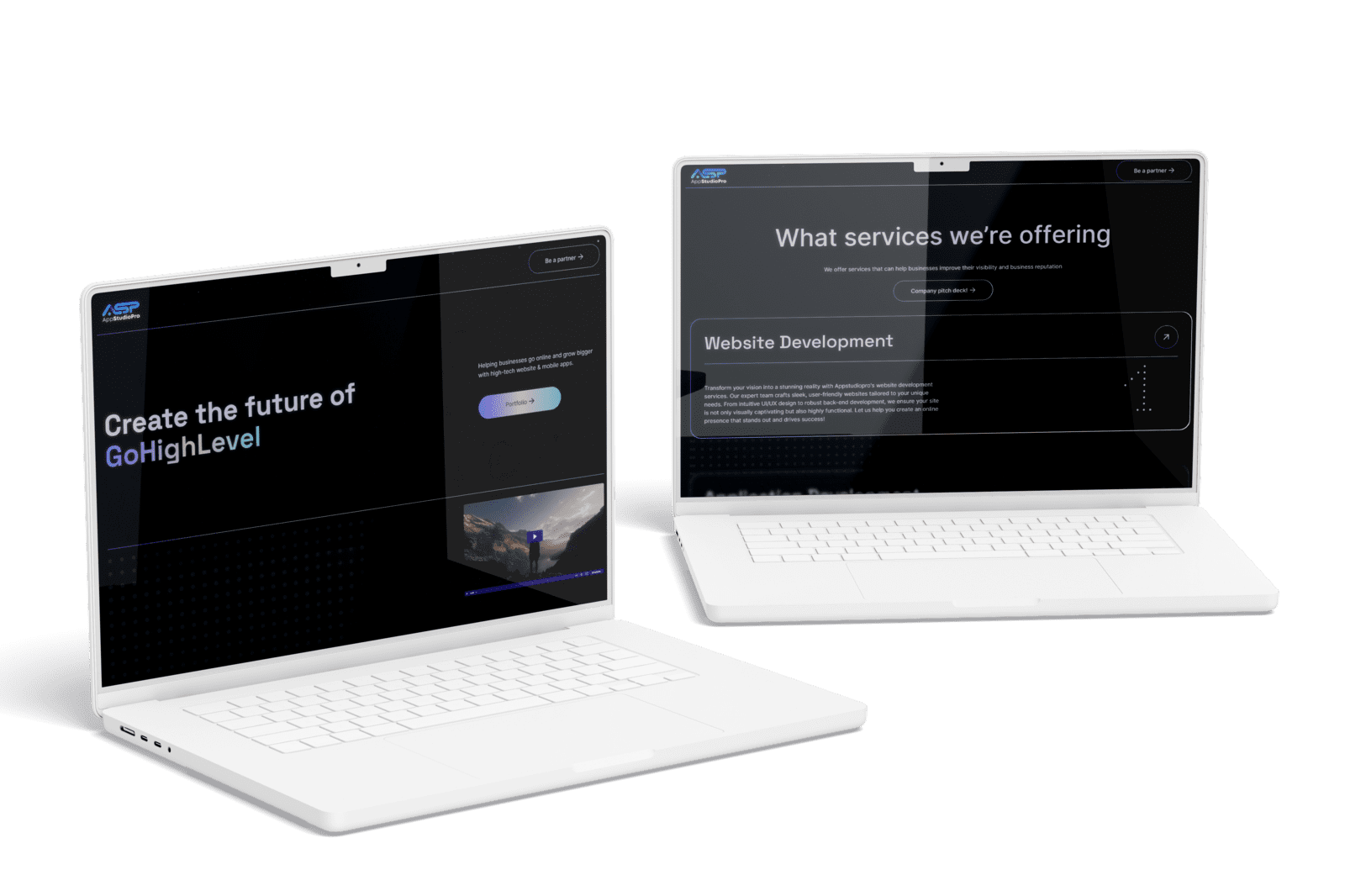
For AppStudioPro, YAVACADO agreed the page architecture, created a Figma prototype and built the website in Webflow. The delivered scope included service pages, CMS collections and integrations. This project provides a concrete example of a website with several connected content and delivery requirements.
Check your own website
Your review checklistUse concrete decision criteriaState scope and assumptionsTest the table at narrow widthsAssign a review ownerUse these checks as you review. Selections are not saved.
Put it into practice
A comparison row says “SEO: yes” for one platform and “SEO: no” for another. How would you improve it?
Show the suggested approach
Replace the binary label with specific capabilities or responsibilities, such as editing metadata, managing redirects or maintaining content. Verify each answer for the configuration being compared. SEO outcomes depend on more than a platform label.
Continue reading
Webflow vs WordPress: Compare the Workflow Before Choosing the Platform
References
Discuss your website
Bring your current website and the task you want to improve. YAVACADO can help define the content, design and implementation work needed for the next step.
FAQs
Should we name competitors?
How many criteria should a comparison contain?
Can we claim our approach is best?
Write Website Case Studies That Explain the Work Behind the Screens
12/1/25
4
min to read
Webflow Variable Modes: Create a Theme You Can Maintain
1/15/25
4
min to read
Webflow Alignment Explained: Text, Flexbox and Responsive Layouts
6/13/25
4
min to read
Content for AI Search: Make Your Answers Clear and Verifiable
3/9/26
4
min to read
Relevant project
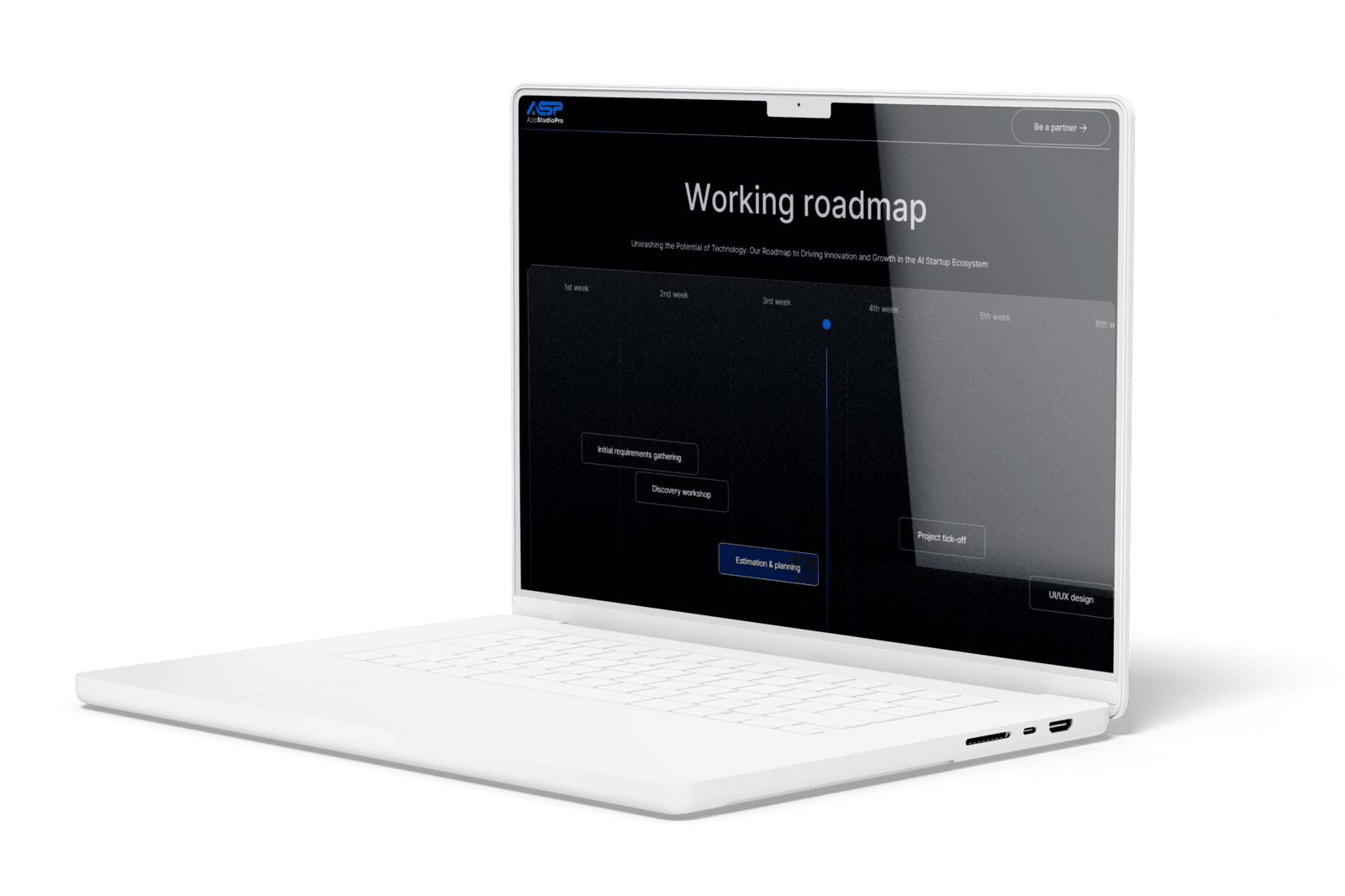
Corporate Website Redesign for an App Development Studio
Tech
Create the future of virtual presence. Helping businesses go online and grow bigger with high-tech website & mobile apps.
AppStudioPro

LET’S WORK TOGETHER
LET’S WORK TOGETHER
LET’S WORK TOGETHER
LET’S WORK TOGETHER
LET’S WORK TOGETHER
LET’S WORK TOGETHER
LET’S WORK TOGETHER
LET’S WORK TOGETHER
Testimonials
What our clients say
A web design agency that cares about you and your brand, no matter the size or what industry your business is in.


YAVACADO turned a complex booking process into one clear platform. Our team can manage tours and content in Webflow, while parents can book and pay securely through WayForPay. The result is easy to operate and built around the needs of the Ukrainian market.

The website captures the premium feel of our brand perfectly. From the design to the multilingual functionality and payment integration, every detail was delivered to a very high standard.

Excellent implementation of our Figma design in Webflow. The final website feels fast, polished, and exactly aligned with the premium fintech experience we wanted.
.png)
The funnel feels significantly more polished than the original concepts and was delivered in a format our internal team could immediately continue working with. Smooth process and excellent execution.

Working with YAVACADO was a fantastic experience. They understood both the technical requirements and the business goals, delivering a fast, polished website that's easy to manage and built to generate qualified leads.

Impressive speed and quality. The landing page was delivered in just hours and looks clean, professional, and ready to use.

The turnaround was incredibly fast, and the result looks clean and professional. The site reflects our firm perfectly and was delivered exactly on time.

The YAVACADO team helped us present FromLab2Jab’s complex services in a clear and professional way. The structure, CMS, and filtering system make it easy for our team to manage and scale the content.

The final website matched the Figma design with impressive accuracy. The animations, sticky sections, and overall Webflow execution made the project feel polished and high-end.
%2520(1).png)
YAVACADO delivered a powerful, scalable platform that fully supports our operations. The CMS structure, CRM integrations, and automation tools significantly improved how we manage inquiries and camp programs.

The phased design and development approach made everything clear and efficient. The team delivered a professional SaaS website on time, and the training support helped us manage content confidently

The platform works exactly as we envisioned — secure, structured, and scalable. Subscription management and report access are fully automated, and everything runs smoothly.

The Webflow build perfectly matches the AI design and feels even better in motion. Everything from CMS to animations works smoothly—great work!


The redesign gave our website a completely new look. The layouts feel modern, the services are presented much clearer, and the site works perfectly on mobile.

The redesign elevated our corporate presence and made content much easier to manage. The Feensweet filtering and CRM integration streamlined our user experience and lead flow — great implementation!

%25201.png)
