


Webflow Variable Modes: Create a Theme You Can Maintain

Updated 12 September 2026.
In this guide
- Use semantic names that describe the role of a value.
- Test one section before applying a theme widely.
- Keep alignment decisions separate from colour and size variables.
Define the theme before opening the panel
A theme needs a clear purpose. You might want a dark promotional section within a light website, or a related product area that uses the same layout with different colours. Start with that requirement rather than creating dozens of tokens.
List the roles the section needs: background, primary text, muted text, border and action colour. Give each a name that describes its use. A semantic name remains meaningful when the colour changes; a name based only on the current colour may not.
Build a small base set
Webflow variables store typed values such as colours and sizes. Modes provide alternative values, applied manually to classes or through responsive modes. Follow the current variables documentation for the interface and supported types.
Use the table below as an illustrative token plan, not a mandatory palette. Apply the variables to one real section containing a heading, paragraph, link and border. Check the resulting contrast and focus appearance before extending the system.
Illustrative semantic colour tokensRoleLight exampleDark examplesurface-primary#FFFFFF#121212text-primary#121212#F5F5F5text-muted#4B5563#C7CDD4border-default#D1D5DB#515761action-background#D9FF7A#D9FF7Aaction-text#121212#121212
Create one alternative theme
Define the alternate values for the same roles. Keep the section’s structure unchanged so you can see whether the colour system is coherent. A theme that requires manual edits to every child element is not yet doing the work you intended.
Test elements that are easy to miss: muted text, inline links, icons and input borders. Check the section next to both light and dark neighbours. The transition between sections is part of the design, particularly where borders or shadows imply a surface boundary.
Practical takeaway: Name the role once, then test every place that role appears.
Inspect scope and inheritance
If a text element does not adopt the expected theme, inspect where its style is defined. A hardcoded value or a style inherited from another element can prevent the intended result. Link the relevant style deliberately rather than adding a sequence of overrides.
Keep a test page containing every supported text and interface pattern. After a theme change, review it as well as the production section. One successful heading does not prove that buttons, forms and captions are all using the same rules.
Separate themes from layout behaviour
A theme changes a coordinated set of style values. Flex and Grid settings still need clear layout rules. Do not assume that words such as “left”, “center” and “stretch” can be created as a native string-variable system: the documented native variable types do not establish that workflow.
Use normal layout controls and clearly scoped classes for alignment. If custom CSS is part of the project, document it as custom CSS. Keep the theme small enough that another contributor can identify the intended owner of each visual decision.
A related YAVACADO project
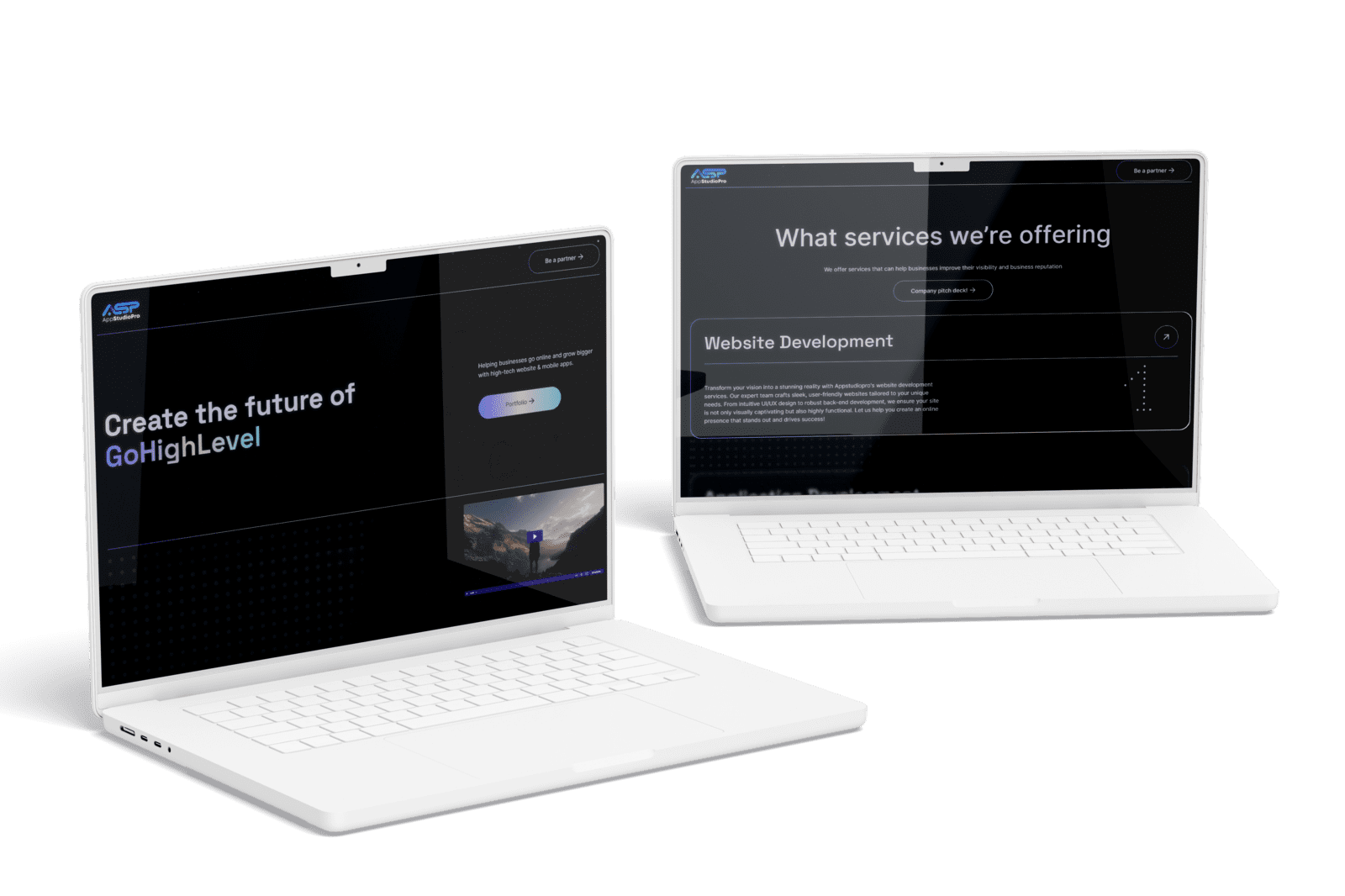
AppStudioPro needed an expandable Webflow site with new service pages, CMS collections and integrations. YAVACADO used Client-First conventions to organise the build. A small, documented theme system is a complementary approach for teams managing similar recurring visual decisions.
Your next check
Mark each item as you check it. Ticks last for this page visit.
Name values by purpose.Apply the theme to a representative section.Check text, links, borders and focus states.Trace unexpected inheritance before adding overrides.
Put it into practice
Find a hardcoded colour
Switch the example section to the alternate theme. If one item stays unchanged, inspect its actual style source and replace the isolated value only if it belongs to the shared token system.
Continue with a related guide
- Build a Webflow Design System: Tokens, Components and Real Content
- Webflow Alignment Explained: Text, Flexbox and Responsive Layouts
Official references
Discuss your website
Create a Webflow style system that stays coherent across pages and themes.
FAQs
Are variable modes the same as component variants?
Why does one child keep the old colour?
Can I use native string variables for alignment?
How to Write a Website Redesign Brief That Prevents Rework
Webflow CMS: Build a Content Library Your Marketing Team Can Run
B2B Website Navigation: Help Buyers Find the Right Next Page
Webflow Modals and Popovers: Should You Replace Your Custom Overlay?
Relevant project
Our services
XRS: Prop Trading Website Built in Webflow from Figma
Location
London, GB
Company
XRS
Release date
May 10, 2026
Testimonials
What our clients say


We hired YAVACADO to design our company's website, and the entire process went exceptionally well. They worked at a record pace and delivered outstanding results.


You did a great job! We have acquired a stable and reliable partner to manage our website.

Very helpful in getting our website up to spec, very patient in helping us with compromises etc. Would recommend to anyone!

YAVACADO turned a complex booking process into one clear platform. Our team can manage tours and content in Webflow, while parents can book and pay securely through WayForPay. The result is easy to operate and built around the needs of the Ukrainian market.

Working with the YAVACADO web development team was an exceptional experience. Their ability to deliver a fully functional, SEO-optimized real estate website exceeded our expectations.

YAVACADO turned our technical equipment catalog into a clear, professional website that our team can manage. The CMS and CRM integration make it easier to present products, process enquiries, and support clinics from the first contact.


Working with YAVACADO was a fantastic experience. They understood both the technical requirements and the business goals, delivering a fast, polished website that's easy to manage and built to generate qualified leads.

Excellent implementation of our Figma design in Webflow. The final website feels fast, polished, and exactly aligned with the premium fintech experience we wanted.

The final website matched the Figma design with impressive accuracy. The animations, sticky sections, and overall Webflow execution made the project feel polished and high-end.

The website captures the premium feel of our brand perfectly. From the design to the multilingual functionality and payment integration, every detail was delivered to a very high standard.