


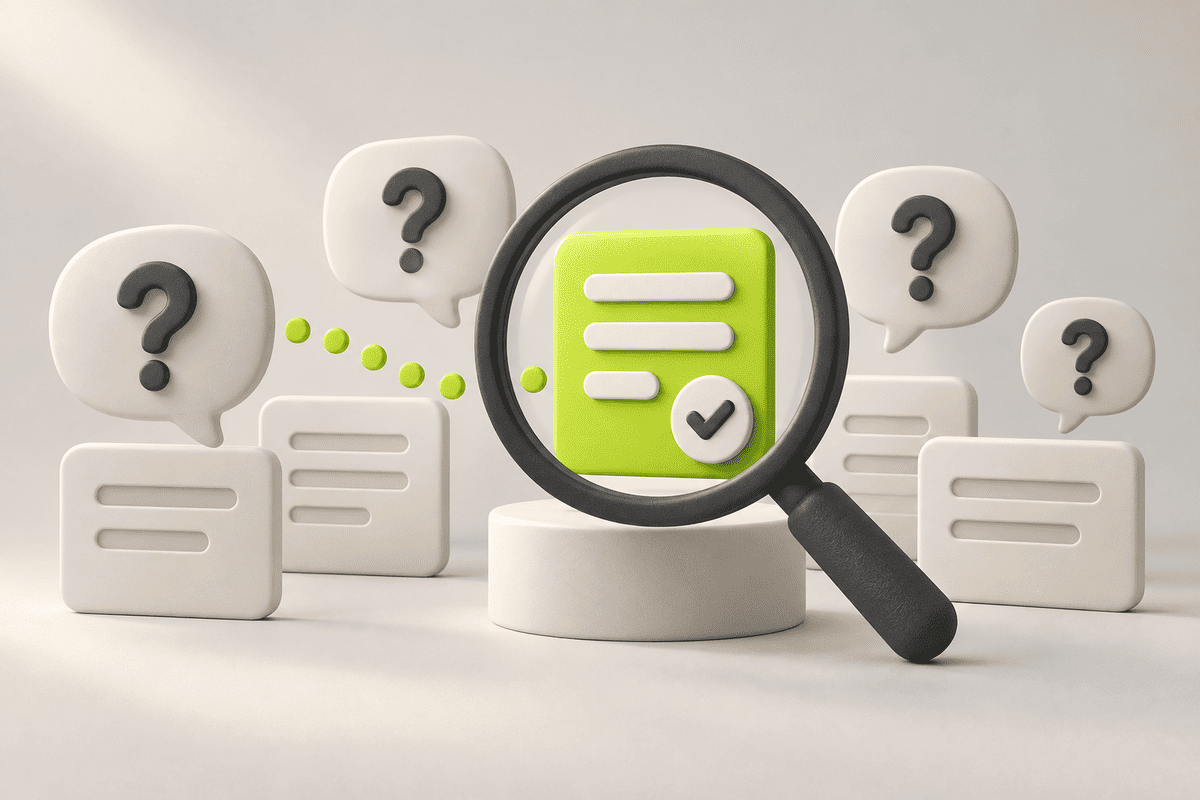
SEO Basics: Turn Customer Questions into Useful Website Pages
Updated 12 September 2026.
In this guide
- Give each important page a distinct search and business purpose.
- Answer the question before presenting the sales pitch.
- Measure relevant enquiries alongside search visibility.
Build the topic list from real conversations
Start with your sales inbox, discovery calls and support questions. Which problems bring people to your business? What do they compare before choosing a provider? Which details repeatedly need explanation?
Group those questions into page types. A service page explains what you deliver. A comparison helps someone choose. A guide answers a practical question. A case study shows how a particular problem was handled. A keyword list becomes more useful when each phrase has a clear purpose and destination.
Choose one main job for each page
Consider a school operations platform. “How to reduce administrative work” and “school management software demo” describe different stages of a buying decision. One page may teach a process; another needs product details and a demo request.
Write a one-sentence brief before drafting: “This page helps this audience make this decision.” Remove sections that do not contribute to that job, or link to a separate explanation. Distinct pages are easier to maintain than several articles that repeat the same introduction with different titles.
Match the question to the right pageVisitor questionPage typeUseful next stepCan you solve this problem?Service pageDiscuss requirementsWhich approach fits us?ComparisonReview a relevant exampleHow do I do this?Practical guideFollow a checklistHave you done similar work?Case studyExplore the delivered scopeWhat happens after we enquire?Process or FAQSend a focused request
Make the answer easy to scan
Lead with a useful response, then expand it with an example, comparison or sequence of steps. Use descriptive headings and short paragraphs. Place qualifications next to the claim they affect.
Google’s SEO Starter Guide stresses useful, organised content and meaningful links. Apply that by connecting a guide to the service or case study that genuinely helps the reader continue. Avoid inserting the same generic sales paragraph into every article.
Practical takeaway: A useful SEO page answers a real question and gives the reader a sensible next step.
Check the search presentation
Give the page a title and description that describe its actual content. For a guide, state the task. For a service page, identify the offer and audience. Do not promise a template, calculator or detailed tutorial that the page does not contain.
The snippet shown in Google may differ from your description. Review search appearance as a preview of the visitor’s expectation, then make sure the first section delivers on it. Also verify that important pages can be reached through links and are not accidentally excluded from indexing.
Use a small review cycle
Select a manageable group of existing pages and record their purpose, current problems and intended improvements. Update the content and links, then compare relevant search queries and enquiries over equivalent periods.
Separate a discovery problem from a conversion problem. A useful page with little visibility needs different work from a popular page whose form fails. Keep a record of the change, its date and the intended outcome. This makes the next decision more reliable than repeatedly rewriting the whole site.
A related YAVACADO project

For Learning Hub, YAVACADO structured a Webflow landing page around the needs of administrators researching an education platform, with CMS content and custom interactive elements. The page organisation connects the platform’s capabilities to the questions its buyers need answered.
View project: Learning Hub - Inetgra
Your next check
Mark each item as you check it. Ticks last for this page visit.
Write a clear purpose for each priority page.Remove duplicated introductions.Check title and description against the actual content.Test the enquiry form and record its landing page.
Put it into practice
Diagnose before rewriting
If a page has visits but few useful enquiries, inspect the offer, evidence and next step. If it has no relevant visibility, inspect discoverability and whether the page addresses a real search need.
Continue with a related guide
- Website First Impressions: Design for Clarity, Trust and the Next Step
- Webflow SEO Checklist: Audit the Template, Content and Enquiry Journey
Official references
Discuss your website
Build an SEO content plan around the questions your customers actually ask.
FAQs
Should I start by publishing more blog posts?
How long should an SEO article be?
Are rankings enough to measure success?
Webflow Alignment Tutorial: Build a Responsive Hero with Flexbox
Webflow MCP: Choose Your First AI Agent Task for the CMS
The Future of Your Webflow Website: Plan for Change Without a Rebuild
A Website Analytics Plan: Measure the Journey to a Useful Enquiry
Relevant project
Our services
Novakor: Healthcare SEO Agency Website in Webflow
Location
Australia
Company
Novakor
Release date
July 10, 2026
Testimonials
What our clients say


We hired YAVACADO to design our company's website, and the entire process went exceptionally well. They worked at a record pace and delivered outstanding results.


You did a great job! We have acquired a stable and reliable partner to manage our website.

Very helpful in getting our website up to spec, very patient in helping us with compromises etc. Would recommend to anyone!
YAVACADO turned a complex booking process into one clear platform. Our team can manage tours and content in Webflow, while parents can book and pay securely through WayForPay. The result is easy to operate and built around the needs of the Ukrainian market.

Working with the YAVACADO web development team was an exceptional experience. Their ability to deliver a fully functional, SEO-optimized real estate website exceeded our expectations.

YAVACADO turned our technical equipment catalog into a clear, professional website that our team can manage. The CMS and CRM integration make it easier to present products, process enquiries, and support clinics from the first contact.


Working with YAVACADO was a fantastic experience. They understood both the technical requirements and the business goals, delivering a fast, polished website that's easy to manage and built to generate qualified leads.

Excellent implementation of our Figma design in Webflow. The final website feels fast, polished, and exactly aligned with the premium fintech experience we wanted.

The final website matched the Figma design with impressive accuracy. The animations, sticky sections, and overall Webflow execution made the project feel polished and high-end.

The website captures the premium feel of our brand perfectly. From the design to the multilingual functionality and payment integration, every detail was delivered to a very high standard.